
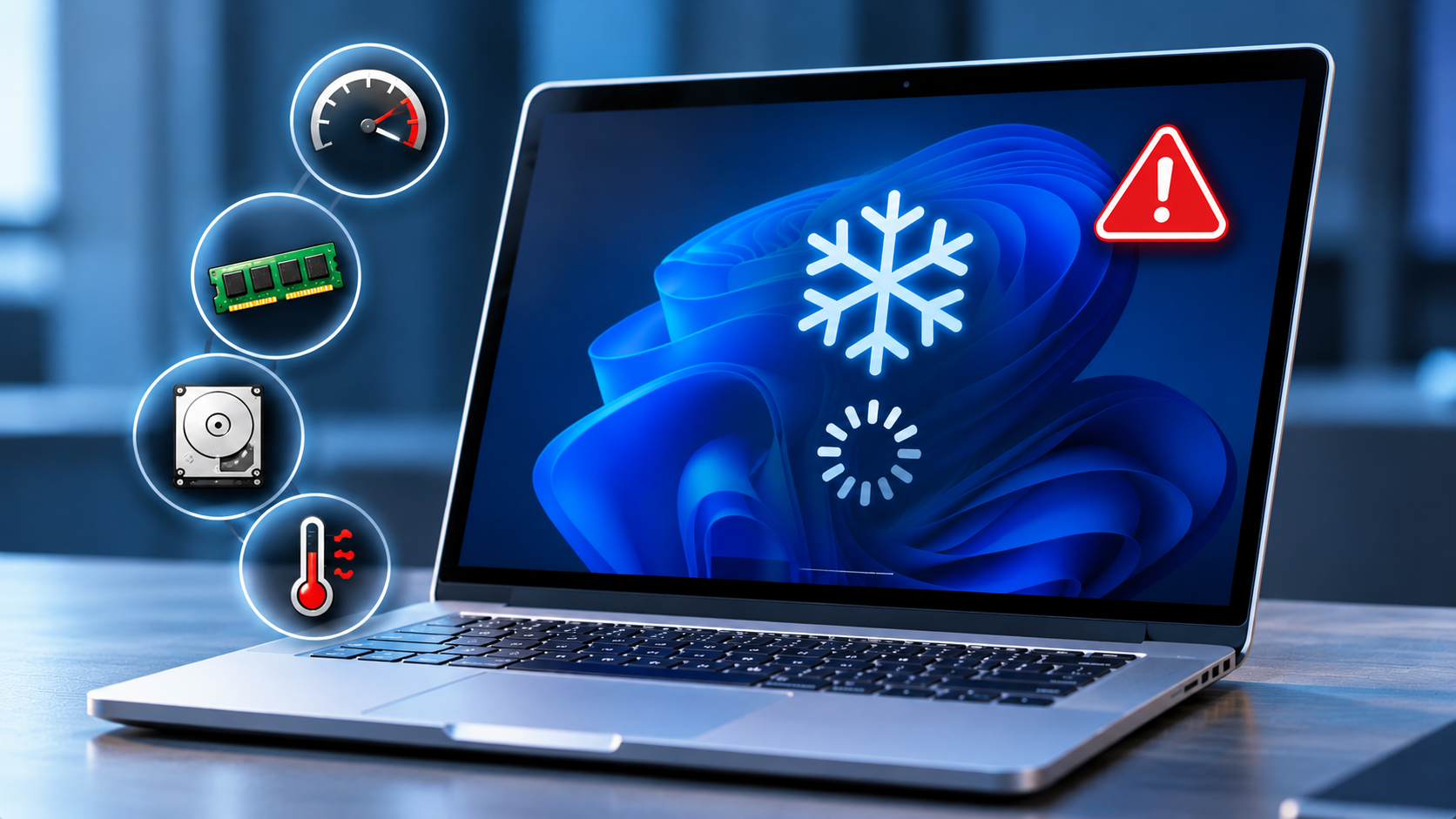
When your laptop keeps freezing in the middle of an email, a video call, or a deadline, it is hard not to feel stuck. One moment everything works, and the next the cursor stops moving. Sometimes a laptop running slowly is a small annoyance. Other times it points to a bigger problem that gets worse the longer it is ignored. At EZLaptopRepair in Las Vegas, our technicians use practical diagnostic checks to identify the reasons behind laptop freezing, slow performance, and unexpected crashes. This guide explains the common causes, troubleshooting steps you can safely try at home, and when professional diagnosis may be necessary.
Why Does My Laptop Keep Freezing, Running Slowly, or Crashing?
A laptop is a compact machine where memory, storage, cooling, and software all have to work together. When one part struggles, the whole laptop feels it. These are the most common reasons:
- Memory overload: Too many open programs and browser tabs can consume available RAM. When memory becomes insufficient, Windows may rely more heavily on storage, making applications slower or temporarily unresponsive.
- Too many background applications: Applications running in the background can consume RAM and processing power, leaving fewer resources available for the programs you are actively using.
- Heat buildup: Dust and blocked vents force a laptop to slow itself down to protect its parts. Laptop overheating can also lead to sudden shutdowns.
- Outdated or corrupted drivers: Drivers let Windows communicate with your hardware. When they fail, system errors and freezes often follow.
- Malware and unwanted programs: Malware affecting laptop performance can use resources in the background without you noticing.
- Storage trouble: A nearly full storage drive can affect system performance, while an aging or failing hard drive may cause slow loading, freezing, and unexpected errors.
- Operating system errors: Missed updates, interrupted installs, or corrupted system files can leave Windows unstable.
| CTA SECTION:Laptop freezing frequently, even after a restart? Contact EZLaptopRepair for a free diagnosis and find out what is causing the problem.Call us now |
Common Signs of Laptop Performance Problems
Laptop performance problems rarely appear overnight. They usually build up in small ways before the laptop finally gives out. Watch for these signs:
- The laptop freezes randomly during everyday tasks like browsing or typing
- Programs take much longer to open than they used to
- Your Windows laptop freezes during startup or when switching between applications.
- A laptop not responding message appears, and you have to force-close programs
- The laptop restarts or shuts down without warning
- Blue screen errors show up, or you notice a laptop crashing randomly
One slow day is not a cause for alarm. A pattern that repeats over several days is worth taking seriously.
How to Fix a Laptop That Keeps Freezing or Running Slowly
Safe Steps to Try First
Basic laptop troubleshooting can resolve many common performance issues. Try these steps carefully, and back up important files before making significant system changes.
- Restart the laptop and close any programs you are not using.
- Open Task Manager (press Ctrl, Shift, and Esc together) and check which programs use the most CPU, memory, or disk.
- Disable unnecessary startup programs from the Startup tab so fewer apps load at boot.
- Update Windows and your device drivers through Windows Update and your manufacturer’s support page.
- Run a full malware scan using Windows Security or another trusted tool.
- Check your storage space. Remove unnecessary files and applications to maintain sufficient free space for Windows and your programs to operate properly.
- Give the laptop room to breathe. Use it on a hard, flat surface and keep the vents clear of dust.
After each step, use the laptop for a while and see whether the slow laptop performance improves. That helps you narrow down the cause.
When Basic Troubleshooting Is Not Enough
If the problem returns after these steps, the cause is probably deeper than a software setting. A failing drive, worn cooling parts, or damaged system files cannot be fixed with a restart. Repeated crashes can also put your files at risk, so it is better to act early. Our laptop repair services cover diagnosis and repair for most major brands.
| CTA SECTION:Still experiencing freezing or unexpected crashes? Let our technicians diagnose the issue and explain your repair options. Get a Free Laptop Diagnosis |
When Should You Get Professional Laptop Repair?
Some problems are worth a professional look right away. Consider booking a diagnosis if you notice any of these:
- The laptop keeps freezing even after updates, scans, and cleanup
- Unexpected crashes or blue screen errors keep occurring, even after basic troubleshooting
- The laptop gets very hot, or the fan runs all the time loudly
- You hear clicking sounds, or files take a long time to open
- The laptop shuts down on its own
At EZLaptopRepair, we provide laptop repair services in Las Vegas backed by more than 25 years of experience. Every repair begins with a free diagnosis to help identify the underlying problem. Our technicians explain the available repair options and provide clear pricing before work begins. Same-day service may be available depending on the issue, parts availability, and repair requirements.
Conclusion: Find the Real Cause, Not Just a Quick Fix
Restarting a laptop that keeps freezing may buy you a few minutes, but it does not solve anything. Whether the cause is memory, heat, drivers, software, or storage, finding the actual source is the best way to avoid repeated crashes and lost work. Try the safe steps above first, and do not wait too long if the problem keeps coming back.
Frequently Asked Questions
1. Why does my laptop keep freezing randomly?
Common causes include memory overload, overheating, outdated drivers, malware, or failing storage. Checking Task Manager often points to the culprit.
2. Can low RAM make a laptop run slowly?
Yes. When memory fills up, Windows relies on the drive instead, so a laptop running slowly with many tabs open is common.
3. Why does my laptop crash when running multiple programs?
Running several programs simultaneously can overload available memory or processing resources, causing applications to freeze or the laptop to crash.
4. Can overheating cause a laptop to freeze?
Yes. Excess heat makes the laptop slow down to protect components, which can cause freezing, restarts, or sudden shutdowns.
5. When should I take my laptop for professional repair?
If laptop troubleshooting does not stop the problem, or you notice overheating, unexpected shutdowns, or error screens, book a diagnosis.
