
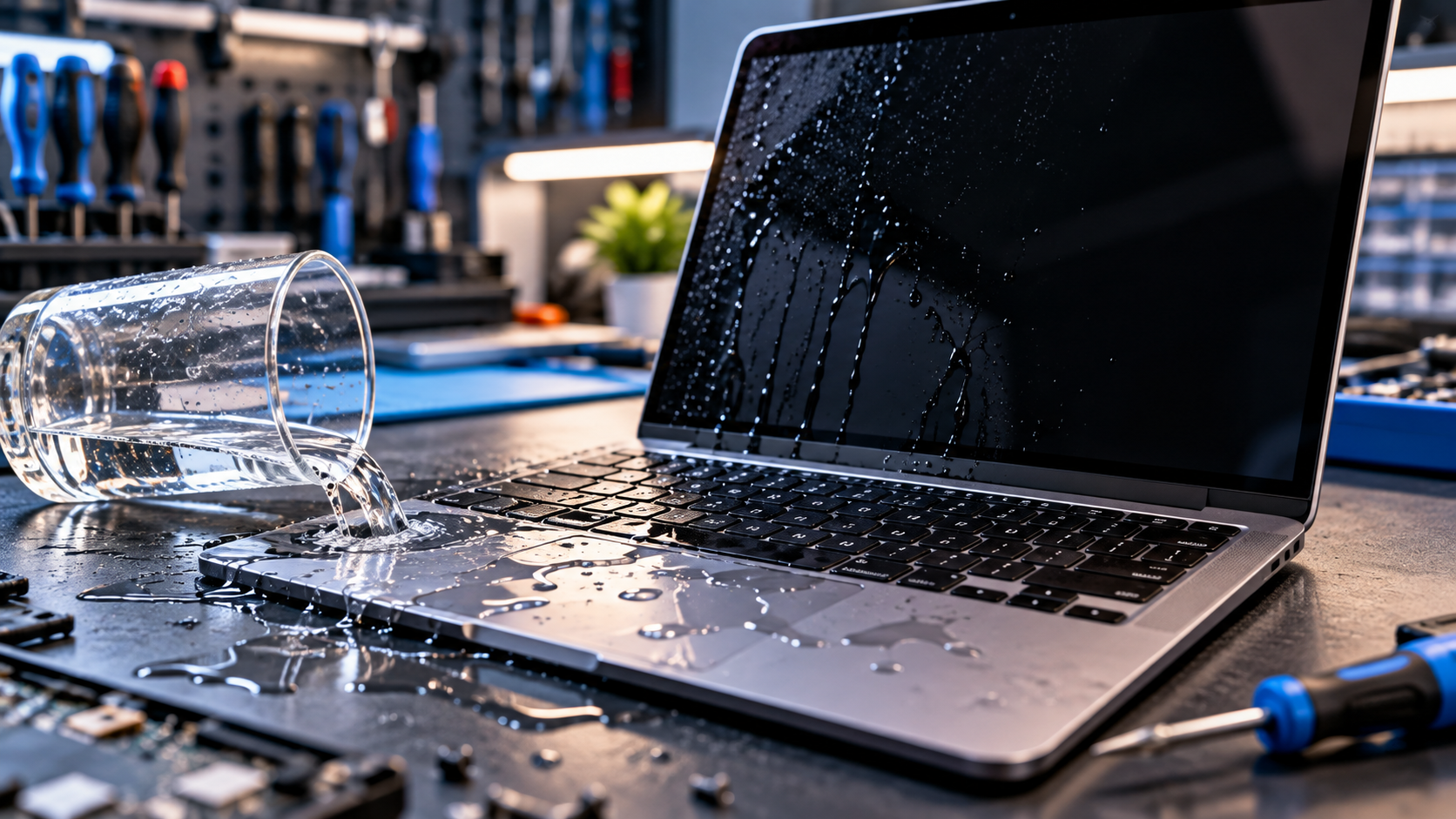
If you’re dealing with laptop water damage Las Vegas after a spill, the first few minutes matter. Water can reach the keyboard, charging area, battery, or motherboard. Turning the laptop back on too soon can increase the risk of electrical damage, so stop using it and disconnect power if you can do so safely.
This guide explains what to do immediately, what to avoid, how to spot warning signs, and when repair or data recovery may be needed.
| Spilled Water on Your Laptop?Quick action can help protect your laptop and important data. Get your device checked before the damage gets worse.Get Laptop Water Damage Repair |
What Should You Do Immediately After Spilling Water on a Laptop?
Act quickly, but avoid risky fixes.
- Shut the laptop down if it is still running.
- Disconnect the charger and other connected devices.
- Remove a removable battery if your model allows it.
- Move the laptop away from the liquid.
- Gently wipe visible moisture from the outside.
- Keep it powered off until it has been assessed.
Do not keep pressing the power button to see if it works. Moisture may still be inside even when the laptop looks normal.
Why Is Turning On a Wet Laptop Risky?
Liquid can create unwanted electrical paths between components and leave moisture or residue around connectors and circuit boards.
The affected area may be larger than where the water first landed. Liquid can move through openings around the keyboard, ports, vents, and chassis.
For that reason, a laptop that still turns on after a spill should not automatically be considered safe to use.
Can a Laptop Be Saved After Water Damage?
Yes. A wet laptop is not automatically beyond repair. The outcome depends on the amount and type of liquid, where it entered, how long it remained inside, whether the laptop was powered on, and which components were affected.
Plain water may be less troublesome than drinks containing sugar or other residue, but any liquid entering the laptop should be taken seriously.
If the laptop will not turn on, do not assume the motherboard is completely dead. The fault could involve the battery, charging circuit, keyboard, motherboard, or another component.
What Should You Avoid After a Water Spill?
Some common reactions can make the situation worse.
- Do not turn the laptop on repeatedly.
- Do not connect the charger to test it.
- Do not use a hair dryer or high heat.
- Do not shake the laptop aggressively.
- Do not press keys repeatedly.
- Do not open the case without the right tools or experience.
- Do not keep using it because it seems to work.
Repeated power attempts can increase the risk of electrical damage if moisture is still present.
How Do You Dry a Laptop After a Water Spill?
Start by removing visible moisture with a clean, absorbent cloth. Keep the laptop disconnected from power and place it in a dry, ventilated area.
However, drying the outside does not guarantee that moisture inside the chassis has been removed. Liquid can remain around connectors, under the keyboard, or near the motherboard.
Avoid using rice as a repair method. It does not reliably remove liquid from internal components and may introduce dust into ports.
If a significant amount of water entered the laptop, professional inspection is safer than guessing when the inside is dry.
What Signs Suggest Liquid Damage Inside a Laptop?
Some symptoms appear immediately, while others may develop later.
Watch for:
- Laptop will not turn on
- Keyboard keys stop responding
- Screen flickers or stays black
- Charging stops working
- Trackpad behaves strangely
- Random shutdowns or restarts
- Unusual heat or smell
- USB ports stop detecting devices
A laptop that appears to work normally can still have moisture or residue inside. If unusual symptoms appear after a spill, stop using it and arrange an inspection.
When Should You Seek Help for Laptop Water Damage Las Vegas?
Professional assessment is especially important if liquid reached the keyboard, ports, battery area, or motherboard.
You should also seek help if the laptop shut down after the spill, will not turn on, stops charging, shows display problems, or contains important files.
EZ Laptop Repair lists water damage repair as part of its laptop repair services. Its current service page says technicians clean, dry, and assess water-damaged laptops before determining what needs repair, with a free diagnostic before repair work begins.
What If My Laptop Won’t Turn On After Water Damage?
Do not keep trying to start it.
A no-power condition after a spill can involve the charging circuit, battery, motherboard, or power-management components. The correct repair depends on testing rather than replacing parts at random.
EZ Laptop Repair also handles motherboard diagnosis and repair. Its current motherboard service information notes that liquid damage can affect the board and may require corrosion cleanup, circuit tracing, or component repair.
Can Water-Damaged Laptop Data Be Recovered?
A damaged laptop and the data stored on it are two separate concerns.
If the computer will not power on but the storage remains usable, data may still be recoverable. EZ Laptop Repair provides data recovery for laptops affected by liquid damage.
If important files are stored on the laptop, avoid repeatedly attempting to boot it or installing recovery software on a damaged system.
CISA recommends regular backups and describes the 3-2-1 approach: keep three copies of important data, use two different media types, and keep one copy off-site.
How Much Does Laptop Water Damage Repair Cost?
There is no single price for liquid damage repair because the affected component can vary.
A technician may need to assess the keyboard, charging system, motherboard, battery, ports, or other internal parts. The type of liquid and amount of damage can also affect the repair.
A diagnostic helps identify the actual fault instead of assuming the whole laptop needs replacement.
What If You Spill Coffee, Soda, or Another Liquid?
Treat drinks seriously, even when the laptop still works. Coffee, soda, juice, and similar liquids can leave residue after visible moisture disappears.
The same immediate steps apply: shut down the laptop, disconnect power, avoid repeated testing, and arrange an inspection if liquid entered the device.
The sooner the internal condition is assessed, the sooner you can find out whether cleaning, component repair, replacement, or data recovery is needed.
| Need Help With Your Laptop?Spilt water or noticed a problem after a leak? Don’t keep testing it. Let’s find out what went wrong.Contact Us |
Conclusion
If you’re dealing with laptop water damage Las Vegas, act quickly and avoid turning the laptop back on. Drying it incorrectly can cause further damage. A proper diagnosis can identify problems with the battery, motherboard, keyboard, or other components.
Don’t wait for the issue to worsen. Call EZ Laptop Repair now for a free diagnostic and professional help.
Frequently Asked Questions
Should I turn on my laptop after spilling water?
No. If liquid may have entered the laptop, keep it powered off and disconnected from the charger. Repeated power attempts can increase the risk of further electrical damage.
How long should I leave a wet laptop before turning it on?
There is no universal waiting time that guarantees the inside is dry. Moisture can remain inside the chassis even when the outside feels dry. Professional inspection is safer after a significant spill.
Is it worth repairing a water-damaged laptop?
It depends on the laptop’s condition, affected components, repair cost, and value of the device and its data. A diagnostic can help you make an informed decision.
Can a water-damaged motherboard be repaired?
Sometimes. Component-level repair may be possible when the board has not suffered irreversible damage. The extent of corrosion and affected circuits determine the available options.
Conclusion
If you need laptop water damage repair in Las Vegas, stop using the device, disconnect power, and avoid repeated attempts to turn it on. Wipe away visible moisture and seek an assessment if liquid entered the chassis. Early diagnosis can identify affected components, protect important data, and help determine whether cleaning, repair, or replacement makes sense.
