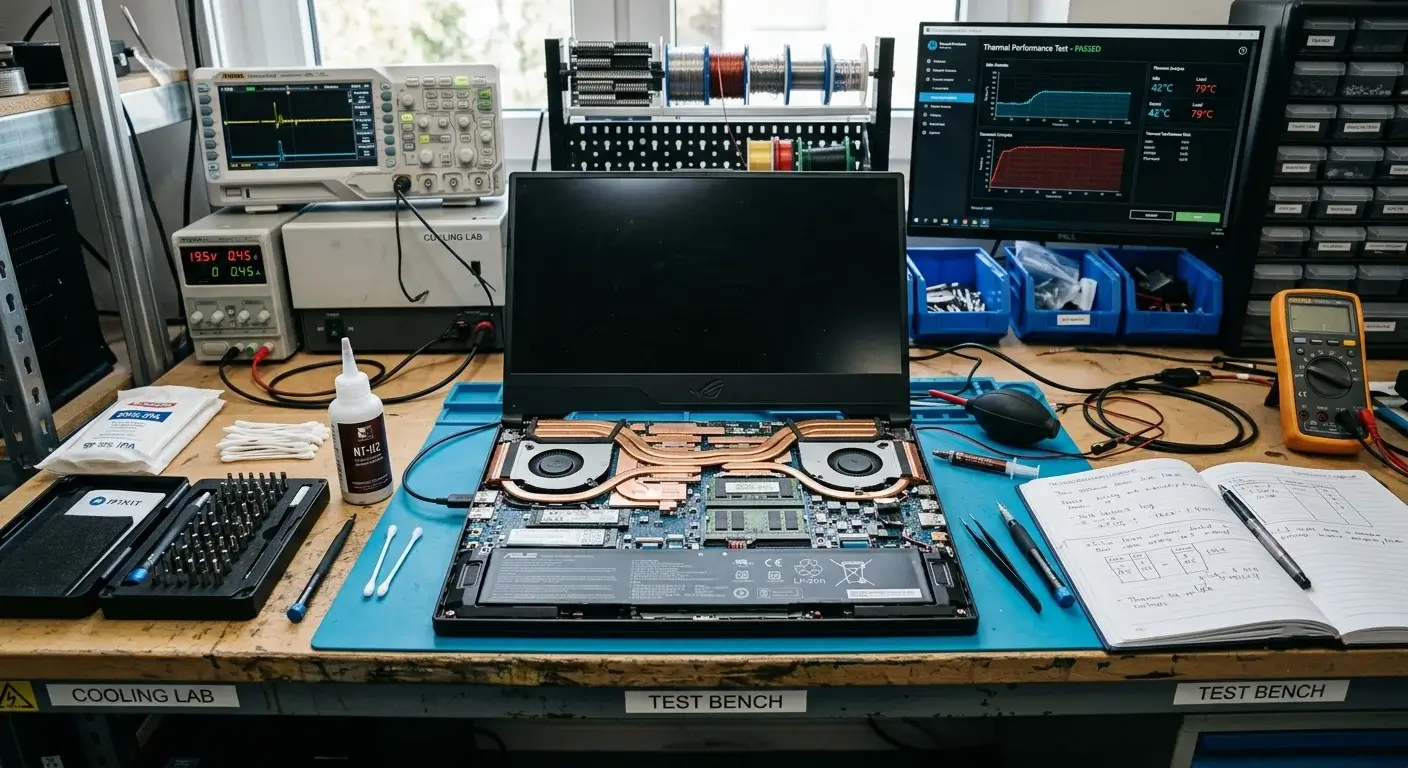
Las Vegas laptop fan repairs at EZ Laptop Repair start from $$9.99. The final cost depends on your laptop model, fan configuration, and whether the repair includes thermal paste replacement and internal cleaning alongside the fan replacement.
Restore Your Laptop's Cooling Performance in Las Vegas Now
Grinding, rattling, or buzzing sounds from a laptop fan mean the bearing or blade is failing. Fix it the same day with EZ Laptop Repair. Prices starting from $49.99.
Same day Service
90 days labor guarantee
1 year parts warranty
Free Diagnosis
25
Year of Experience
Trusted, Professional Repairs for Failing Laptop Fans
EZ Laptop Repair handles laptop fan repairs and cooling fan replacements in Las Vegas for all major brands. We diagnose fan noise, fan failure, overheating caused by a failing fan, and cooling system issues across Dell, HP, Lenovo, Apple MacBook, Asus, Acer, MSI, Alienware, and more. Our CompTIA A+ certified technicians test the full cooling system, not just the fan, before replacing anything. Same day service for most models is available with 90 days post repair warranty on all repairs and replacement services.
Why Is Your Laptop Fan Making Noise?
A noisy laptop fan is usually a sign that the cooling system is working harder than it should. Dust buildup, worn fan bearings, blocked vents, and dried thermal paste can all force the fan to run louder and more often. Here's how to read what your laptop is telling you. And what we do about each one in our Las Vegas shop:
Grinding Noise From Inside the Laptop
Bearings wear out over time, making annoying grinding sounds. Especially on laptops that run at high temperatures for extended periods. The noise gets worse until the fan seizes completely. We replace the fan assembly with an OEM grade part before it reaches that point.
Rattling or Clicking Fan Noise
When a fragment of debris, a detached cable, or a blade that's partially separated from the motor hub is caught in the airpath, the laptop fan rattles or makes clicking noises. We open the chassis, identify what's causing the obstruction, and determine whether the fan can be cleaned and cleared or needs replacing.
Fan Running at Maximum Speed All the Time
A fan that's always at full speed isn't a sign that the laptop is fine. It means the cooling system is working at its limit to keep temperatures under control. This can be caused by a partially failing fan, clogged vents, or dried thermal paste that no longer transfers heat away from critical components. That's why we assess the entire cooling system, not just the fan.
Fan Stopped Working
A completely silent laptop running hot has a fan that's stopped spinning. Without active airflow, the laptop relies entirely on passive heat dissipation through the chassis, which is insufficient under any real workload. Components will throttle, and the laptop will shut down to protect itself. Bring it in immediately. Prolonged use with a dead fan risks thermal damage to the CPU, GPU, and board.
Fan Starts Then Stops Repeatedly
A fan that spins up, stops, and spins up again in a loop is responding to temperature fluctuations. Or the fan motor is failing intermittently. Our repair technicians test the fan motor directly and check the thermal sensor that controls fan speed to identify whether the fault is the fan, the controller, or a combination of both.
Laptop Fan Noise Only Under Load
Laptop fans that run quietly during light use but make noise under gaming, video rendering, or heavy multitasking have developed issues that only exhibit at higher RPM. Bearings are quiet at low speeds and audible or loud at high speeds. We confirm this by testing the fan across its full speed range during the diagnostic.
Beyond the Fan Repairs Get Premium Laptop Maintenance Services
A laptop fan replacement only fixes the problem if the rest of the cooling system has been neglected. At EZ Laptop Repair, we inspect the heatsink, air vents, thermal paste, and internal airflow to ensure heat is being removed efficiently.
Regular maintenance also extends the lifespan of your laptop and keeps it performing reliably under everyday workloads. Alongside laptop fan repair in Las Vegas, we provide internal cleaning, thermal paste replacement, and full cooling system servicing to help your device run quieter, cooler, and more efficiently.
How Our Fan Repair Works?
Cooling problems develop over time, not overnight. Our goal isn’t to reduce noise. It’s to restore proper cooling. Thus, every repair follows a structured process designed to restore your laptop’s cooling performance and prevent future overheating.
Free Cooling System Diagnostic
We begin by inspecting the laptop’s fan, heatsink, air vents, and temperature readings to identify the source of the problem. Our technicians determine whether the issue is caused by a failing fan, dust buildup, or poor heat transfer.
Internal Cleaning & Airflow Restoration
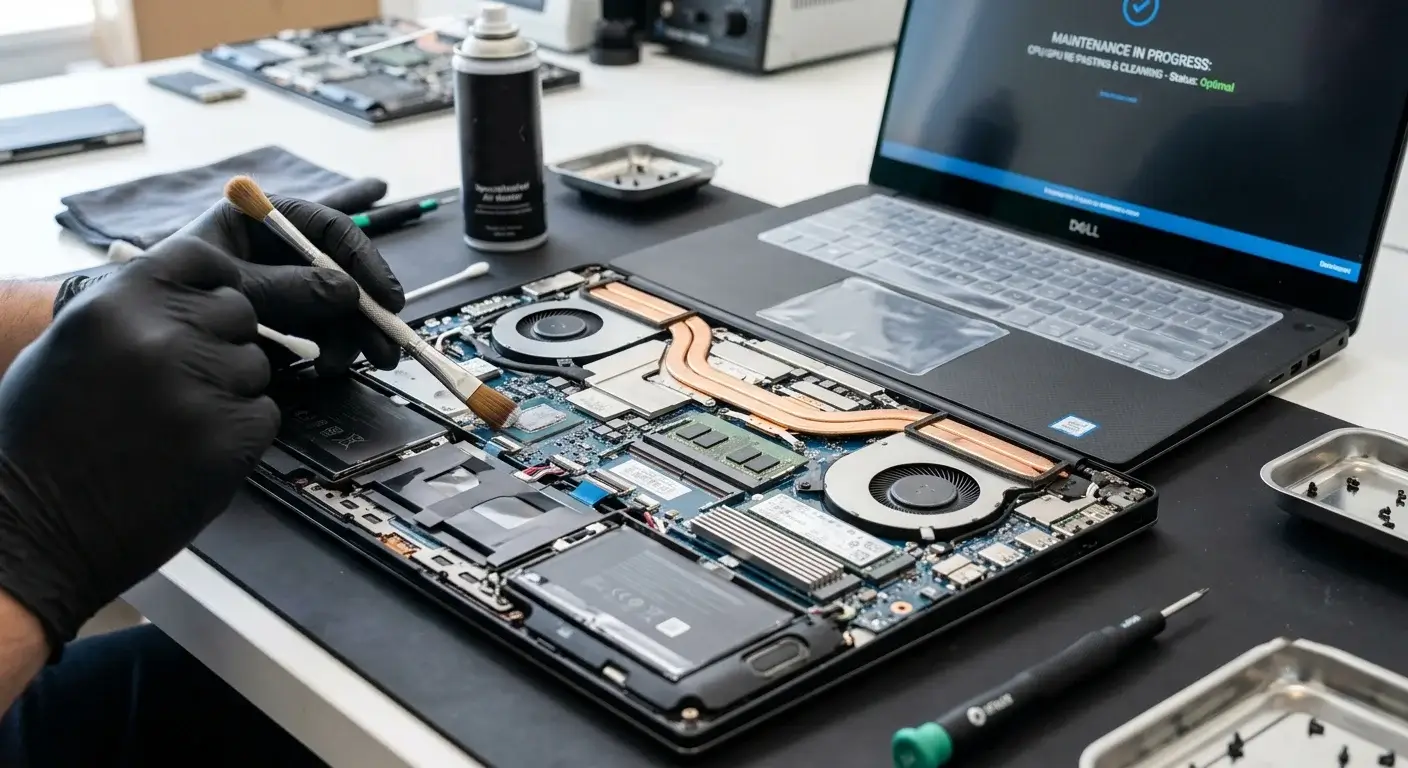
Next, we disassemble the laptop and remove dust and debris trapped inside the cooling system. We clean the fan blades, heatsink fins, and ventilation channels to restore proper airflow. This reduces noise and improves cooling efficiency.
Fan Repair or Replacement
If the fan motor, bearings, or blades have failed, we repair or replace the component using compatible parts matched to your model’s original speed rating, connector, and airflow specification. We also inspect surrounding hardware for signs of overheating or wear.
Thermal Testing Before Return
Before returning your laptop, we run temperature and performance tests under load to confirm the cooling system is operating correctly. We verify fan speeds, airflow, and heat dissipation across the device.
Why Las Vegas Brings Fan Repairs to EZ?
Choosing the right repair shop matters when your laptop is overheating. The quality of the parts, the technician’s experience, and the accuracy of the diagnosis all affect how long the repair lasts. Here’s what sets EZ Laptop Repair apart.
Real Cooling Expertise
We work on overheating, noisy, and failing laptop cooling systems every day. From office laptops to high performance gaming laptops, we've seen how different brands handle heat and airflow. That experience helps us diagnose problems accurately.
Repairs Beyond Fans
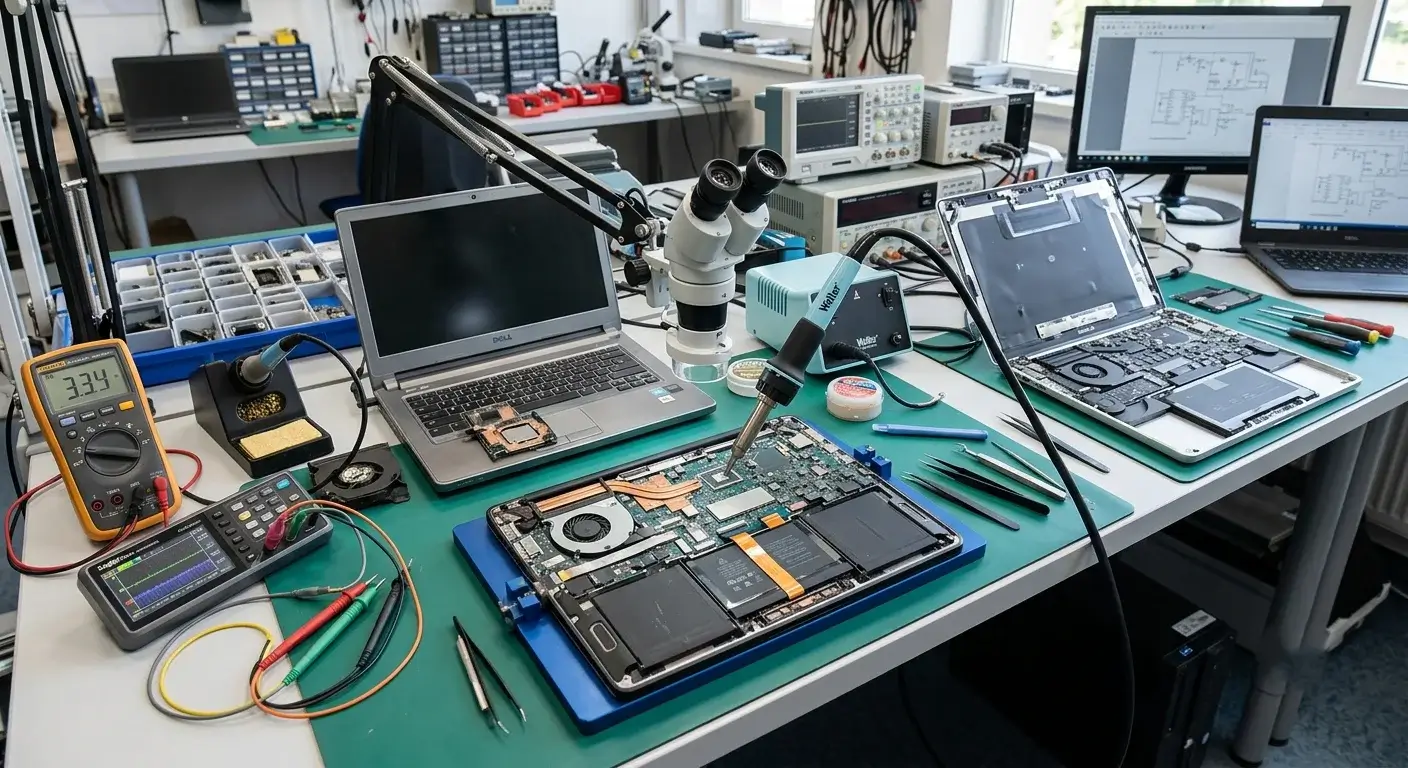
Replacing a fan without checking the rest of the cooling system often leads to repeated issues. We inspect the heatsink, vents, and thermal paste to make sure the entire system is working as intended. The goal is a repair that lasts.
Transparent Pricing
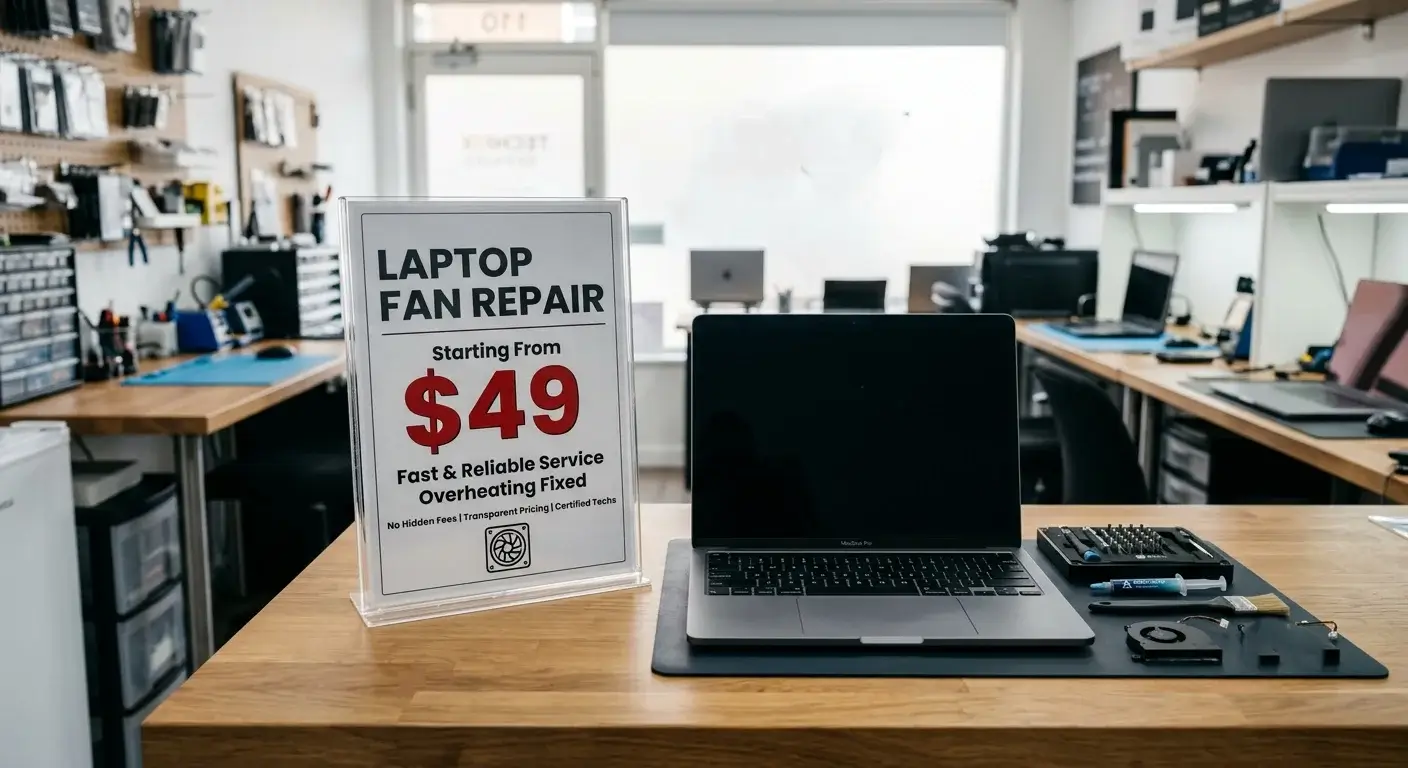
Every laptop fan repair begins with a free diagnostic and a fixed quote starting from $49.99. We explain exactly what's wrong, what needs to be repaired, and what it will cost before any work starts. No hidden fees and no unexpected charges.
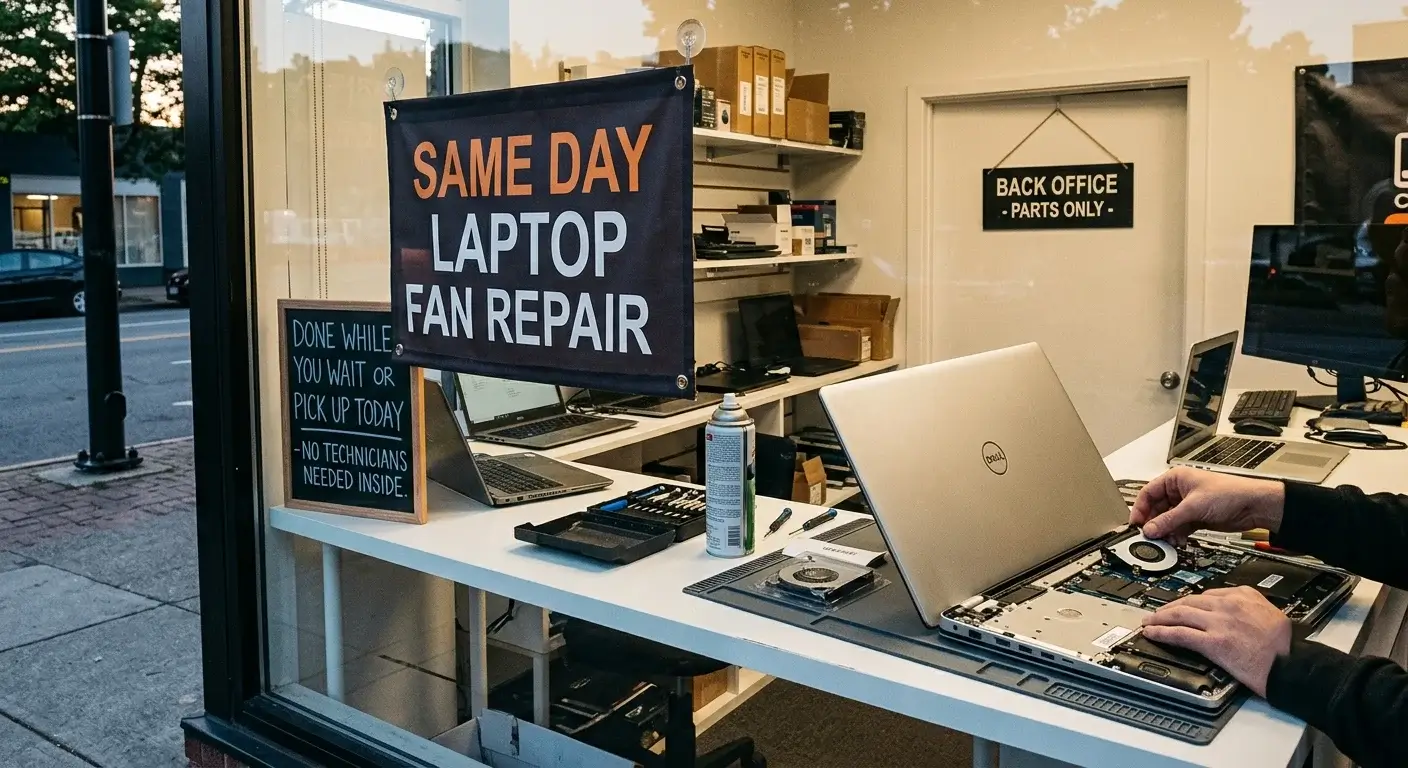
Same Day Service
Laptop fan replacements, including the internal cleaning and thermal paste replacements, are completed the same day. Gaming laptops with dual fan configurations take slightly longer. We confirm the timeframe during diagnostic.

Expert Laptop Cooling Repairs, Whatever the Brand Is
Every major laptop brand uses a different fan design, mounting configuration, and cooling specs. Here’s how our Las Vegas technicians handle a wide range of fan repairs for different brands:
Dell Laptop Fan Repair
Dell XPS laptops use slim cooling systems that force the fans to work harder, making bearing wear one of the most common issues we see. Inspiron and Latitude models are generally easier to service, while Alienware systems require separate testing for each fan. With 25+ years of repair experience, we diagnose and replace Dell fans in our Las Vegas laptop fixing shop.

Asus Laptop Fan Repair
Asus ROG and TUF gaming laptops operate at high fan speeds during demanding workloads, which accelerates wear over time. ZenBook and VivoBook models use compact cooling systems that collect dust quickly in everyday use. We stock matched replacement fans and complete most Asus repairs the same day.

Acer Laptop Fan Repair
Acer Aspire laptops develop cooling problems as dust accumulates in their intake vents and restricts airflow. Predator and Nitro gaming systems run hotter and need high performance fan replacements to maintain stable temperatures over time. Every Acer fan repair service at our shop is backed by a 90 day warranty.

Samsung Laptop Fan Repair
Samsung Galaxy Book laptops use compact cooling systems that fit within thin and lightweight designs. Ultimately, dust clogs inside their slim chassis. Convertible models place additional thermal demands on the device due to their flexible design. We provide fan replacement services for most current and recent Samsung laptops.

HP Laptop Fan Repair
HP Spectre and Envy laptops rely on compact, high speed fans that wear out faster because of their thin chassis design. Omen gaming laptops use dual fan systems, while EliteBook and ProBook models are built for long term business use. Most HP fan repairs are completed the same day and include a 90 day warranty.

Apple MacBook Fan Repair
MacBook fan repairs are done by our Apple certified technicians using model specific repair procedures. MacBook Air models with Apple silicon are fanless, while MacBook Pro devices use single or dual fan configurations depending on the model. We diagnose whether the problem is hardware or software before recommending any repair.

Lenovo Laptop Fan Repair
ThinkPad cooling systems are designed for heavy workloads, but years of dust buildup and continuous use can still lead to fan failure. Legion gaming laptops and Yoga models have highly demanding cooling systems because of sustained performance and limited airflow. Our CompTIA A+ technicians repair Lenovo fans across all major series.

Microsoft Surface Fan Repair
Most Surface Pro devices are fanless, while Surface Laptop models use small internal cooling systems that can become noisy over time. When a Surface fan becomes noisy, we compare fan noise against temperature data and system activity. This helps us determine whether the issue is hardware related or caused by software.

MSI Laptop Fan Repair
MSI gaming and creator laptops use powerful cooling systems that operate continuously under heavy workloads. A failing bearing often causes grinding noises and uneven cooling performance during gaming or rendering sessions. We test each fan independently and replace faulty components with matched parts.

Alienware Fan Repair
Alienware M15, M17, and X Series laptops rely on advanced multi fan cooling systems to handle demanding gaming workloads. If one fan begins to fail, we test the entire cooling system rather than replacing only the loudest component. Every repair includes thermal testing to confirm stable temperatures under load.
Get Your Cooling System Checked Today in Las Vegas
Whether your laptop fan is making noise, spinning constantly, or no longer cooling effectively, EZ Laptop Repair can help. The longer overheating continues, the greater the risk to the processor, graphics chip, and motherboard. Call ahead to check your specific model fan availability and restore your laptop’s cooling today!
Questions We Hear Every Day About Cooling System Repairs & Replacements
Generally, a failing laptop fan needs to be replaced rather than repaired. Fan motors and bearings aren't individually serviceable. When a bearing fails or a motor seizes, the full fan assembly is replaced. The exception is a fan that's been stopped by debris, which can sometimes be cleared without replacement.
Grinding from a laptop fan means the bearing is failing. The bearing keeps the fan shaft centred as it spins. When it wears out, the shaft makes contact with the housing, which produces the grinding sound. It gets worse until the fan seizes. A seized fan means the laptop is running with no active cooling at all.
A constantly loud fan means the cooling system is running at maximum to manage temperatures. Dust blocked vents, a partially failing fan, or dried thermal paste reduces the heatsink's efficiency.
Yes. Without active airflow, the laptop cannot dissipate heat at the rate it's being generated under load. The processor and GPU throttle to reduce heat output, causing performance to drop, and the laptop will eventually shut down to prevent damage. A completely dead fan needs to be repaired immediately.
Most laptop fan replacements are completed the same day, including internal cleaning and thermal paste replacement where required. Gaming laptops with dual fan configurations take slightly longer.
Yes. Dust accumulates in the fan housing and blade assembly, causing imbalance and additional load on the bearing. It also coats the heatsink fins, reducing their ability to dissipate heat, which forces the fan to compensate by running at higher speeds. It accelerates bearing wear further. Regular internal cleaning is the most effective way to extend fan life.
Yes. Gaming laptops run their fans at higher speeds for longer periods under gaming loads than standard laptops do during everyday use. Higher sustained RPM accelerates bearing wear. Gaming laptops also generate more heat, which means more dust accumulates in the cooling system faster. Most gaming laptops benefit from an internal cleaning every 12 to 18 months and may need fan replacement every 3 to 5 years, depending on use intensity.