
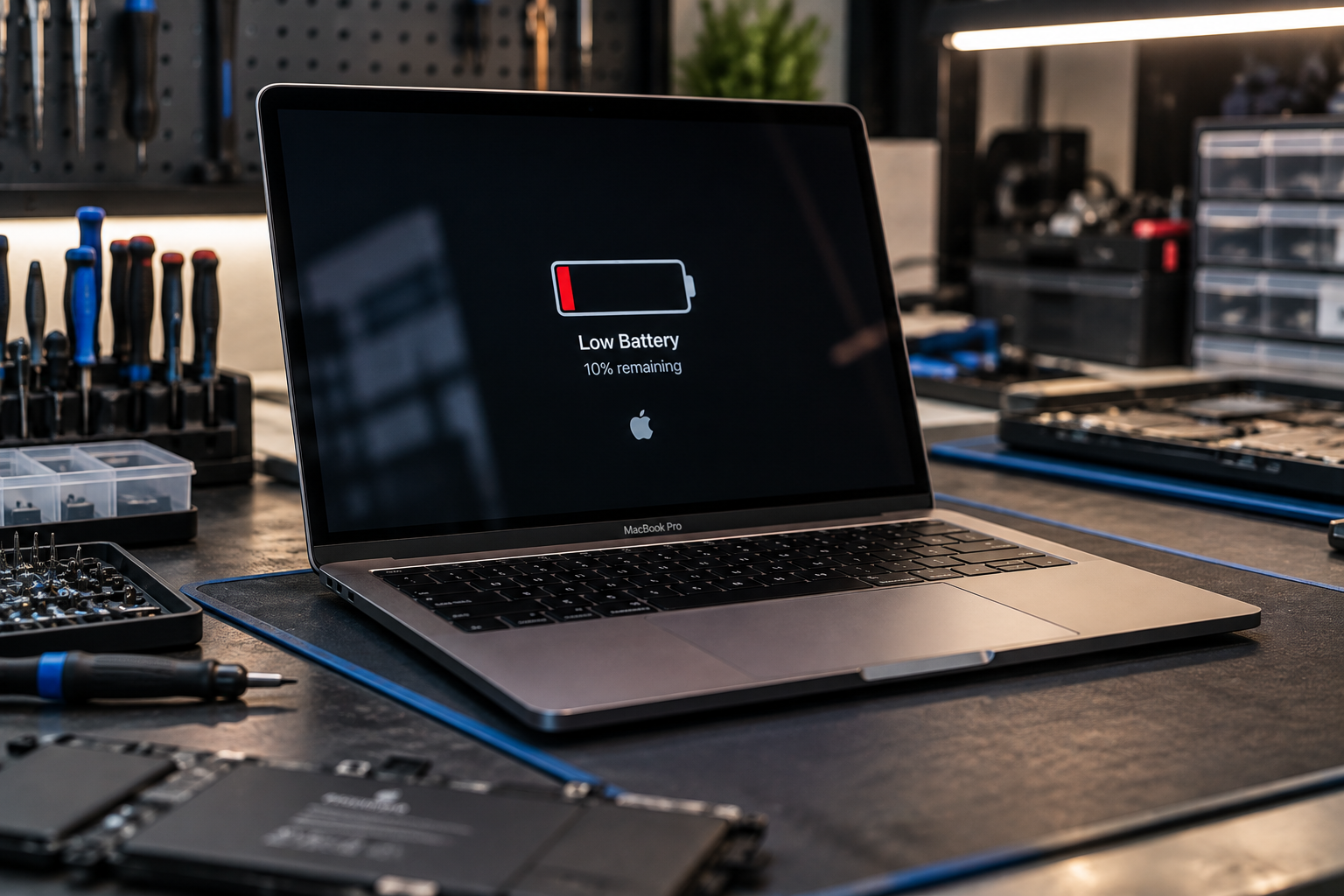
If you’re searching because of “MacBook battery draining fast,” you may notice your MacBook losing charge much quicker than before, shutting down unexpectedly, or needing the charger several times a day. This can happen because of background apps, high screen brightness, an ageing battery, charging issues, or a hardware fault.
The good news is that fast battery drain does not always mean you need a replacement. A few checks can help you understand what is using power and whether the battery itself is reaching the end of its useful life.
Why Is “MacBook Battery Draining Fast” Happening?
Several things can cause a MacBook to lose charge quickly. Some are related to everyday use, while others point to battery wear or another hardware problem.
Common causes include:
- Too many apps running in the background
- High screen brightness
- Heavy video editing, gaming, or other demanding tasks
- Outdated macOS or apps
- Poor charging habits
- An ageing battery
- A damaged or degraded battery
- Charging or power-management problems
Start by looking at what your MacBook is doing when the battery drops quickly. If the drain happens mainly during demanding tasks, high power use may be normal. If the battery drops rapidly during light use, further checking may be needed.
What Causes MacBook Battery Drain During Normal Use?
Your MacBook uses more power when the processor, graphics system, display, or other components are working harder.
For example, video editing, large file transfers, video calls, multiple browser tabs, and demanding applications can increase power use. Bright displays and connected accessories can also affect battery life.
You can check MacBook battery drain by looking at which apps are using the most energy. Close applications you are not using and disconnect accessories that are no longer needed.
If the battery still drops unusually quickly during simple tasks such as browsing or writing documents, the battery itself may need attention.
How Can You Check Your MacBook Battery Health?
macOS provides battery information that can help you understand the condition of the battery.
On supported MacBooks, open:
Apple menu → System Settings → Battery → Battery Health
You may see information such as the battery condition and maximum capacity. A lower maximum capacity means the battery cannot hold as much charge as it could when it was new.
- Apple says a normal Mac laptop battery is designed to retain up to 80% of its original capacity at its maximum cycle count under normal operating conditions.
Battery cycle count can also provide useful information. A cycle represents the use of a total amount of battery power equal to 100% of its capacity, although it does not have to happen in one session.
Battery health alone does not tell the whole story. Your usage, charging habits, macOS version, and the age of the MacBook also matter.
If you see a service recommendation or notice a major reduction in runtime, it is worth having the battery checked before deciding what to replace.
How Do I Know If My MacBook Battery Needs Replacing?
A replacement may be worth considering when the battery can no longer provide reasonable runtime or shows signs of physical failure.
Watch for these warning signs:
- The MacBook shuts down unexpectedly
- Battery percentage drops very quickly
- The MacBook only works reliably when plugged in
- Battery percentage changes suddenly
- The battery condition shows a service recommendation
- The MacBook becomes unusually hot during normal use
- The trackpad or bottom case appears raised
- The battery no longer holds a useful charge
A swollen battery needs particular attention. If the bottom case, trackpad, or display appears to be lifting because of battery swelling, stop using the MacBook and have it inspected.
Do not press on the swollen area or attempt to remove an internal battery yourself.
How Long Should a MacBook Battery Last?
There is no single number of years that applies to every MacBook.
Battery life depends on the model, usage, charging patterns, workload, temperature, and battery age. A MacBook used for demanding tasks every day may experience more battery wear than one mainly used for light browsing and documents.
Instead of judging the battery only by age, look at how it performs now.
If your MacBook used to last most of the day but now needs charging after a short period during similar use, that change is more useful than simply counting the years since purchase.
- Many newer MacBook Air and MacBook Pro models listed by Apple have a 1,000-cycle maximum battery rating, although the exact limit varies by model.
Can Software Cause a MacBook to Lose Battery Quickly?
Yes. A software issue can sometimes increase power use.
Start by checking Activity Monitor to see which processes are using significant CPU resources. You can also close applications that are no longer needed and install available macOS updates.
Browser tabs, cloud-sync services, video calls, and applications that continue running in the background can all contribute to higher power use.
If the drain started after installing a particular application or update, note when the change began. This can help identify whether the problem is related to software or the battery.
However, if the MacBook continues losing charge quickly after basic software checks, hardware testing may be useful.
Is It Worth Replacing a MacBook Battery?
For many MacBooks, battery replacement can make sense when the computer otherwise works well.
If the screen, keyboard, storage, charging system, and other major components are functioning properly, replacing a worn battery may restore normal portable use without replacing the entire MacBook.
On the other hand, if the MacBook has several serious hardware problems or the repair cost is close to the value of the device, replacement may be worth considering instead.
The best choice depends on the condition of the whole computer, not just the battery.
What Should You Check Before Replacing the Battery?
Before paying for a replacement, make sure the battery is actually the cause.
Try these basic checks:
- Check battery health in macOS.
- Look at battery usage and demanding apps.
- Install available macOS updates.
- Restart the MacBook.
- Disconnect unnecessary accessories.
- Compare battery performance during light and heavy use.
- Check for physical signs of swelling or damage.
If the battery continues draining unusually quickly, a technician can test the battery and charging system before recommending a replacement.
Where Can You Get MacBook Battery Replacement in Las Vegas?
If testing shows that the battery has reached the end of its useful life, professional replacement can help restore normal battery performance.
EZ Laptop Repair handles battery replacement for MacBook Air and MacBook Pro models, including newer Apple silicon models. The service starts with a diagnostic so the battery can be checked before a replacement is recommended.
For customers looking specifically for MacBook battery replacement in Las Vegas, the team can check the battery condition, identify the correct replacement, and explain the repair options before work begins.
What Are the Most Common MacBook Battery Problems?
Some MacBook battery problems come from normal battery wear, while others may involve charging hardware or physical damage.
Common signs include:
- Battery percentage dropping unusually quickly
- MacBook shutting down without warning
- Battery not charging even when plugged in
- MacBook working only when connected to power
- Battery percentage changing suddenly
- Unusual heat during normal use
- Swelling around the battery area
- Charging problems caused by the port, adapter, or power system
If you notice any of these signs, a proper diagnosis can help identify whether the battery or another component is responsible.
When Should You Get Your MacBook Battery Checked?
Consider professional testing if the battery drains quickly during light use, the MacBook shuts down unexpectedly, or macOS reports that battery service is recommended.
You should also seek help if you notice swelling, unusual heat, sudden percentage changes, or charging problems.
If you’re dealing with “MacBook battery draining fast,” a diagnostic can help separate normal power use from a battery that needs replacement. You can then decide whether repairing the battery makes sense for the rest of your MacBook.
Conclusion
If you’re dealing with “MacBook battery draining fast,” start by checking battery health, app usage, charging behaviour, and physical signs of battery damage. Fast drain does not always mean replacement is necessary. If the battery is worn or failing, a proper diagnostic can confirm the cause and help you decide whether replacement is worthwhile.

1 comment on “MacBook Battery Draining Fast? Causes and When to Replace It”