
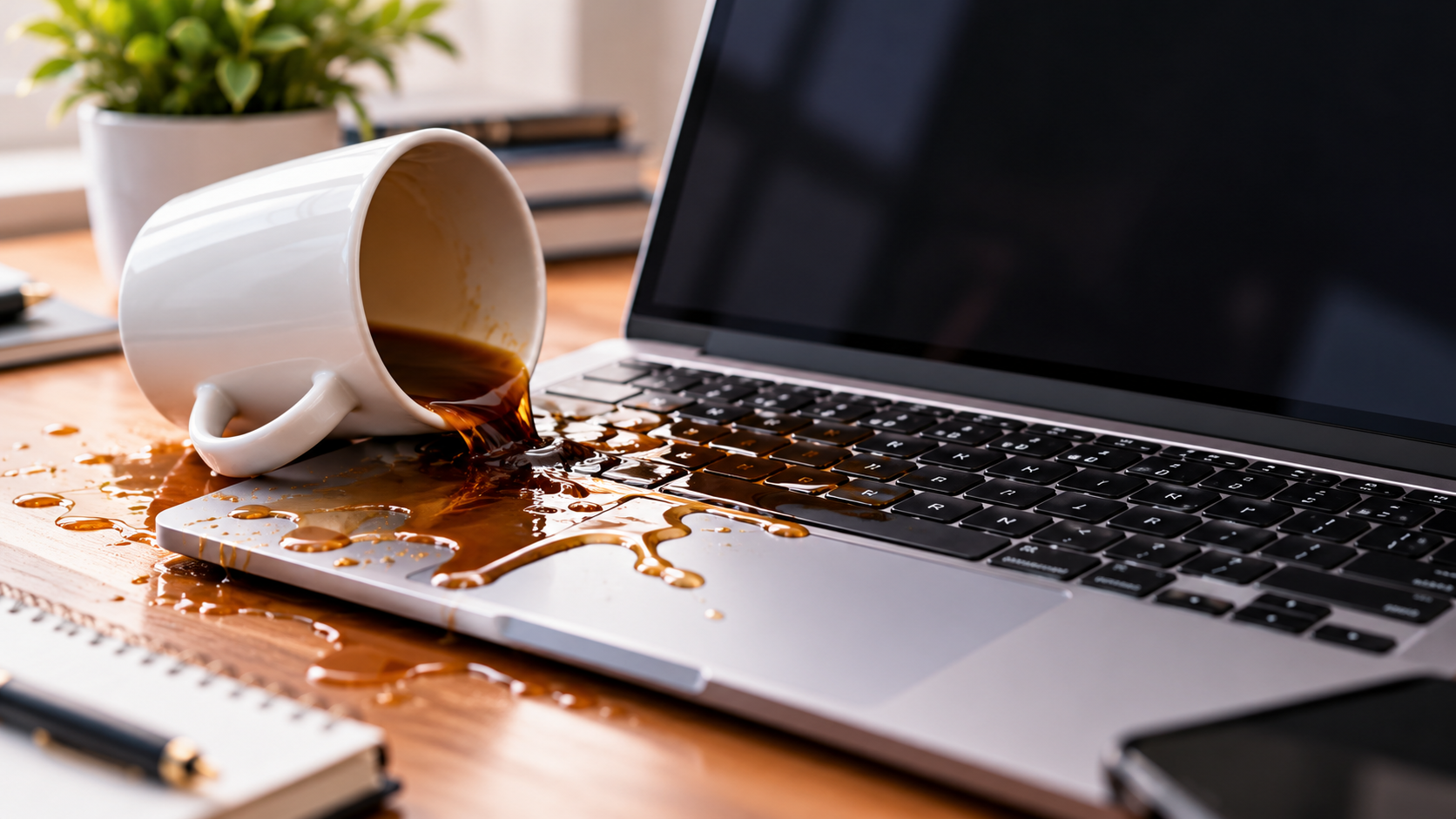
If you spilled coffee on laptop, turn it off immediately, disconnect the charger if it is safe to do so, and avoid turning it back on. Acting quickly can help limit further damage, although it cannot guarantee that the laptop will recover.
A coffee spill can affect the keyboard, charging ports, and internal components. The steps below explain what to do in the first five minutes, which drying methods to avoid, and when to seek professional liquid damage inspection.
| CTA SECTION:Need Help After a Coffee Spill? Keep your laptop off and contact EZLaptopRepair for guidance.Call us now |
Minute 1: Turn Off and Unplug Your Laptop
Shut the laptop down right away. If the screen is frozen or a normal shutdown does not respond, hold the power button until the laptop switches off. Liquid around powered components can cause short circuits and further damage. Shut the laptop down promptly, but do not risk touching wet electrical connections to do so.
Disconnect the charger only if the plug, cable, outlet, and your hands are dry. If liquid is near the electrical connection, do not touch it. If you can safely cut power from a dry, accessible breaker or switch, do so; otherwise, keep away and seek appropriate help.
Minute 2: Disconnect Accessories
If it is safe, remove anything attached to the laptop, such as USB drives, an external mouse, SD cards, headphones, or a dock. Do not reach toward ports that look wet, and do not pull on cables that are sitting in liquid. Taking accessories off keeps the spill from spreading to other devices and gives a technician a clearer view later.
Minute 3: Keep the Laptop in a Safe Position
Handle the laptop gently and avoid shaking it or moving it unnecessarily. Blot visible liquid on the exterior with a dry, lint-free cloth without pressing liquid into the keyboard or ports.
Do not assume that turning the laptop upside down is always the safest option. The best position depends on the model and where the coffee entered. Follow the manufacturer’s liquid-spill guidance if available, and avoid further handling if it could spread the liquid.
Minute 4: Avoid Common Drying Mistakes
The urge to speed up drying is strong, but these shortcuts often backfire:
- Hair dryers and direct heat: Heat can warp parts and push liquid deeper.
- Rice: It does not reliably pull liquid out of a laptop, and small bits can end up in ports.
- Repeated power-on attempts: Testing a wet laptop can damage components that might otherwise have been fine.
- Compressed air: It can force liquid further inside.
- Opening the laptop without proper experience: Internal batteries, delicate connectors, and model-specific components can be damaged during disassembly. Avoid opening the device unless you have the appropriate tools and know-how.
Minute 5: Arrange the Next Step
Coffee can leave residue on internal components, particularly when it contains sugar or cream. Even after the visible liquid dries, residue and corrosion may cause problems later.
A technician experienced in laptop liquid damage repair can assess the affected areas, check for residue, and explain the available repair options. Keep the laptop powered off until it has been assessed, and do not assume that a dry exterior means the internal components are safe.
What If Coffee Has Already Entered the Keyboard?
Coffee in a laptop keyboard can seep through to the parts underneath. If coffee reaches the keyboard, you may notice sticky keys, keys that stop responding, or characters appearing without input. A spill may also affect charging or prevent the laptop from starting. These symptoms do not identify the exact fault, but they indicate that the device needs assessment.
Can a Laptop Recover After a Coffee Spill?
Yes, a laptop may recover after a coffee spill, but the outcome depends on the affected components, the amount of liquid, and the extent of any residue or corrosion. Some devices need cleaning or component-level repairs, while others may have more extensive damage.
A technician can assess the condition and explain the realistic options after inspection. Avoid promises of guaranteed recovery before the laptop has been examined.
Conclusion
After a coffee spill, shut down your laptop, disconnect power safely, remove accessories, and avoid heat, rice, compressed air, or repeated startup attempts. Keep the device off until it has been assessed, as residue and internal damage may remain even when the exterior looks dry.
If you’re in Las Vegas and need help after a laptop spill, EZLaptopRepair can assess the damage and explain your repair options.
Frequently Asked Questions
1. Should I turn on my laptop after spilling coffee?
No. Keep it off and unplugged until a technician inspects it, since powering it on can worsen the damage.
2. Can coffee permanently damage a laptop?
Yes, it can. Residue and moisture may harm internal parts, though results depend on the spill and how quickly it is handled.
3. Should I use a hair dryer to dry my laptop?
No. Heat can warp parts and push liquid deeper, so avoid hair dryers and other direct heat.
4. How long should I wait before turning on my laptop?
There is no universal waiting period that guarantees safety. Coffee residue may remain after the laptop feels dry, so keep it off and have it inspected before attempting to turn it on.
5. Can a laptop be repaired after a coffee spill?
Sometimes. It depends on the spill and the affected parts, so a technician needs to inspect it first.
