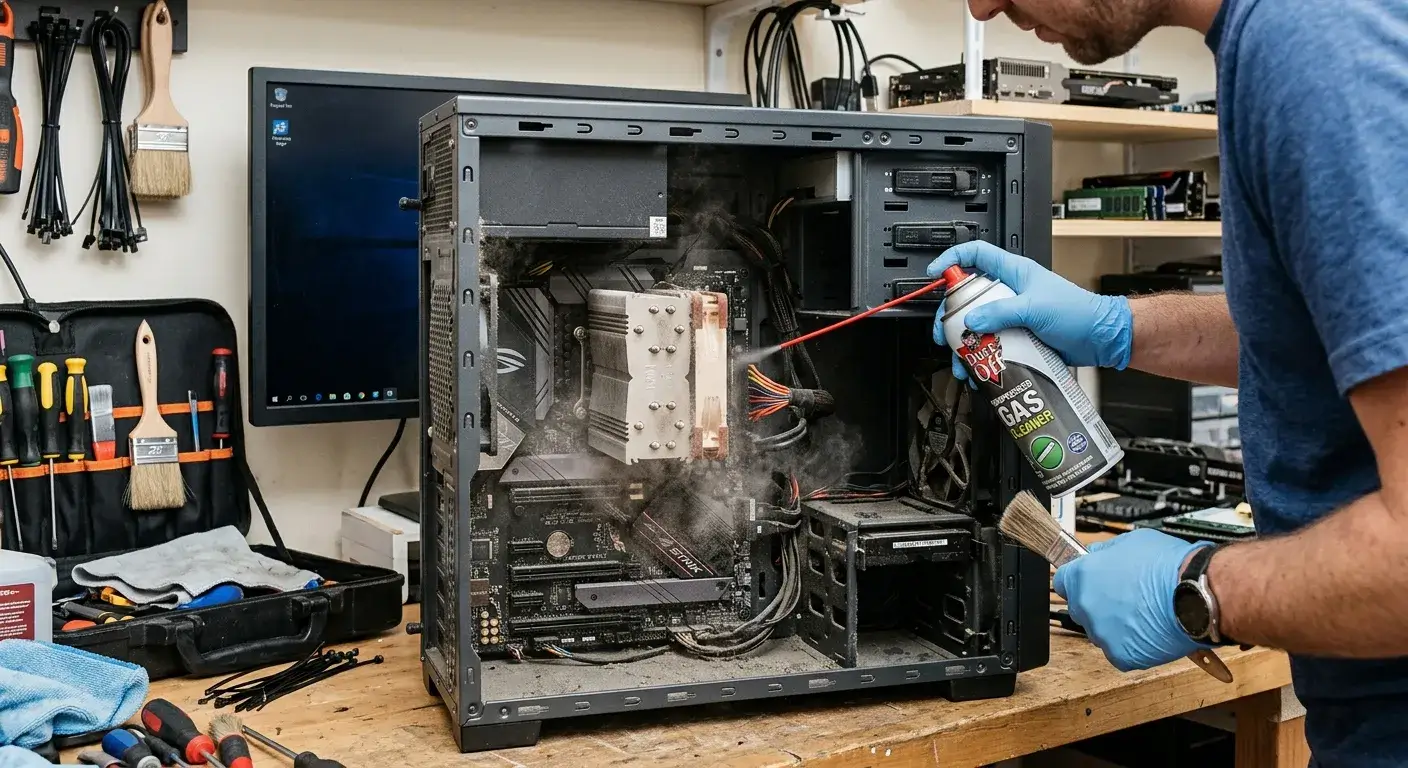
Most desktops benefit from a professional cleaning every six to twelve months. Gaming PCs or systems in dusty environments may need it more often.
Professional PC Cleaning Service in Las Vegas
We remove dust, clean cooling components, and optimize airflow to keep your desktop running cool, quiet, and reliable for years in Las Vegas scorching heat!
Same day Service
90 days labor guarantee
1 year parts warranty
Free Diagnosis
25
Year of Experience
Maintenance & PC Cleaning Service for Desktops and More
Dust builds up inside every desktop over time, blocking airflow and trapping heat around your CPU and GPU. Left alone, it causes loud fans, rising temperatures, and slower performance. Regular cleaning stops that buildup before it turns into a bigger repair. Our PC cleaning service for Las Vegas users covers removing dust from fans, heatsinks, and vents, then checks airflow and cooling performance. We clean the CPU cooler, GPU fans, and power supply, replace thermal paste when needed, and test temperatures afterward.
Choose Best Internal PC Cleaning Options to Prevent Overheating
Regular cleaning prevents overheating, reduces noise, and keeps your desktop or gaming PC running at full performance. We inspect and clean every component that affects airflow and temperature the same day, so your system runs cooler and quieter.
Estimated 1 - 3 days
Internal Dust Removal
We use compressed air and ESD-safe tools to clear dust from inside the case, including hard to reach spots around the motherboard, drives, and expansion slots that trap heat over time. Enjoy premium quality PC cleaning service, starting from just $75 all around Las Vegas.
Estimated 1 - 3 days
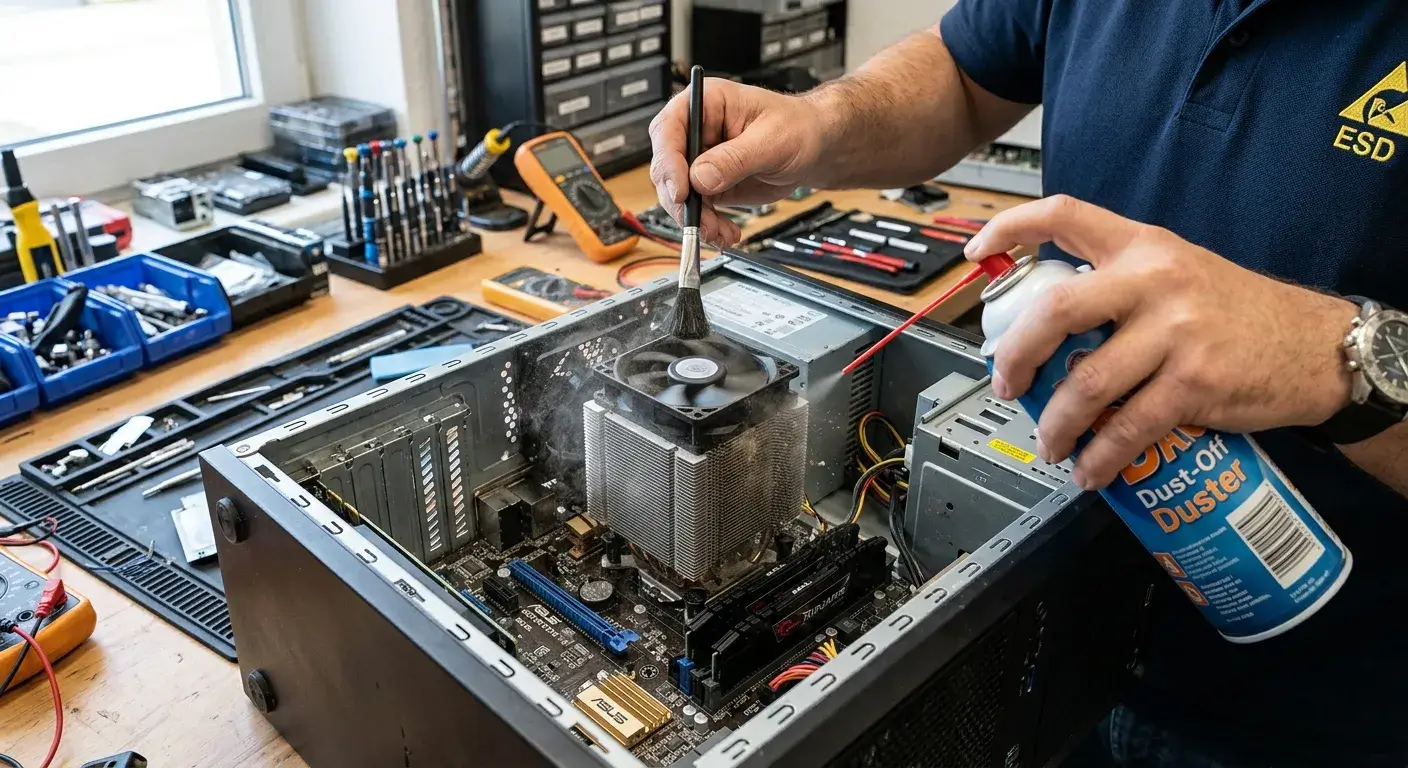
CPU Cooler & Heatsink Cleaning
We remove built-up dust from the CPU cooler and heatsink fins, restoring proper airflow contact. A clogged heatsink is one of the most common causes of rising desktop temperatures. If your CPU cooler is not working, bring it to us ASAP.
Estimated 1 - 3 days
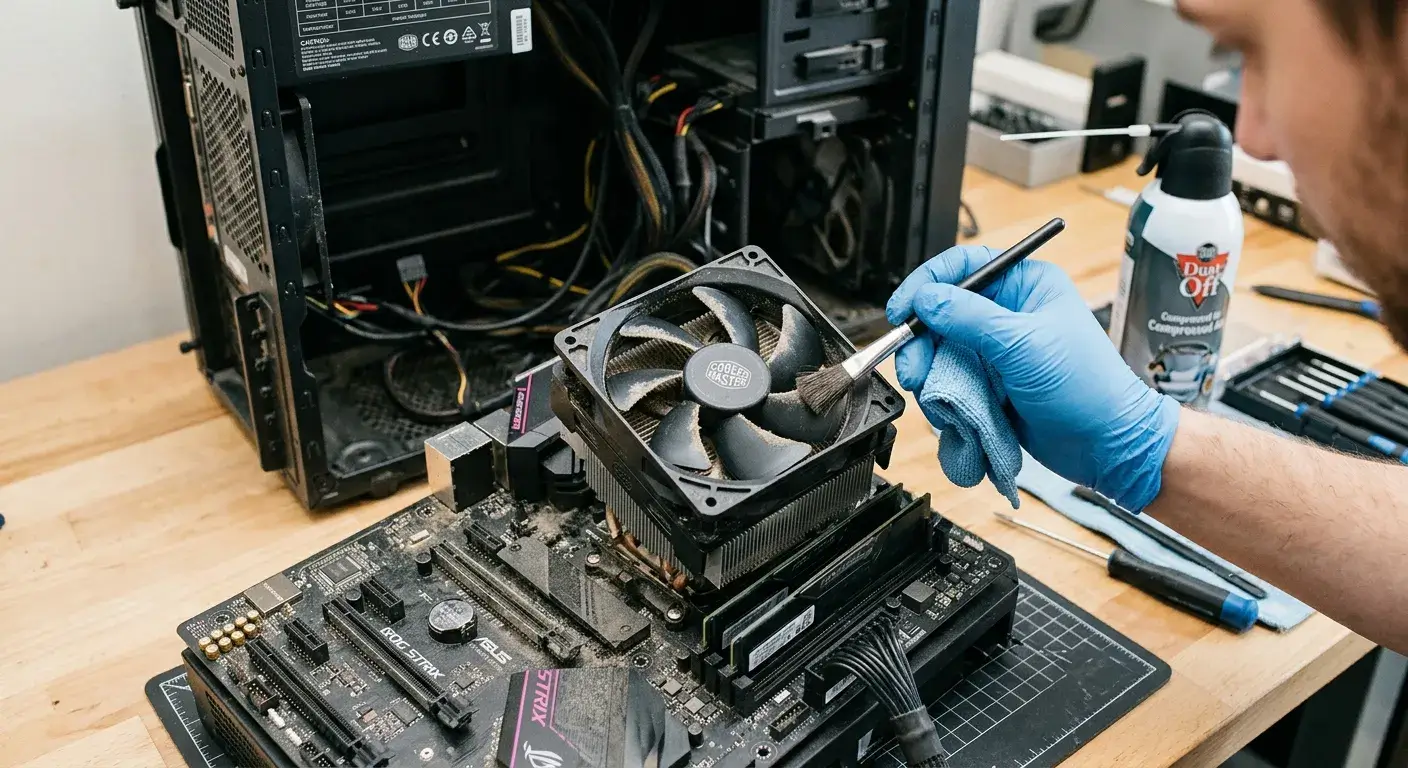
GPU & Case Fan Cleaning
Dirty fans work harder, run louder, and cool less effectively. Our PC cleaning experts clean GPU fans and every case fan individually, checking that each one spins freely and moves air efficiently. Habitually get a GPU cleaning and maintenance service every 3 to 6 months.
Estimated 1 - 3 days
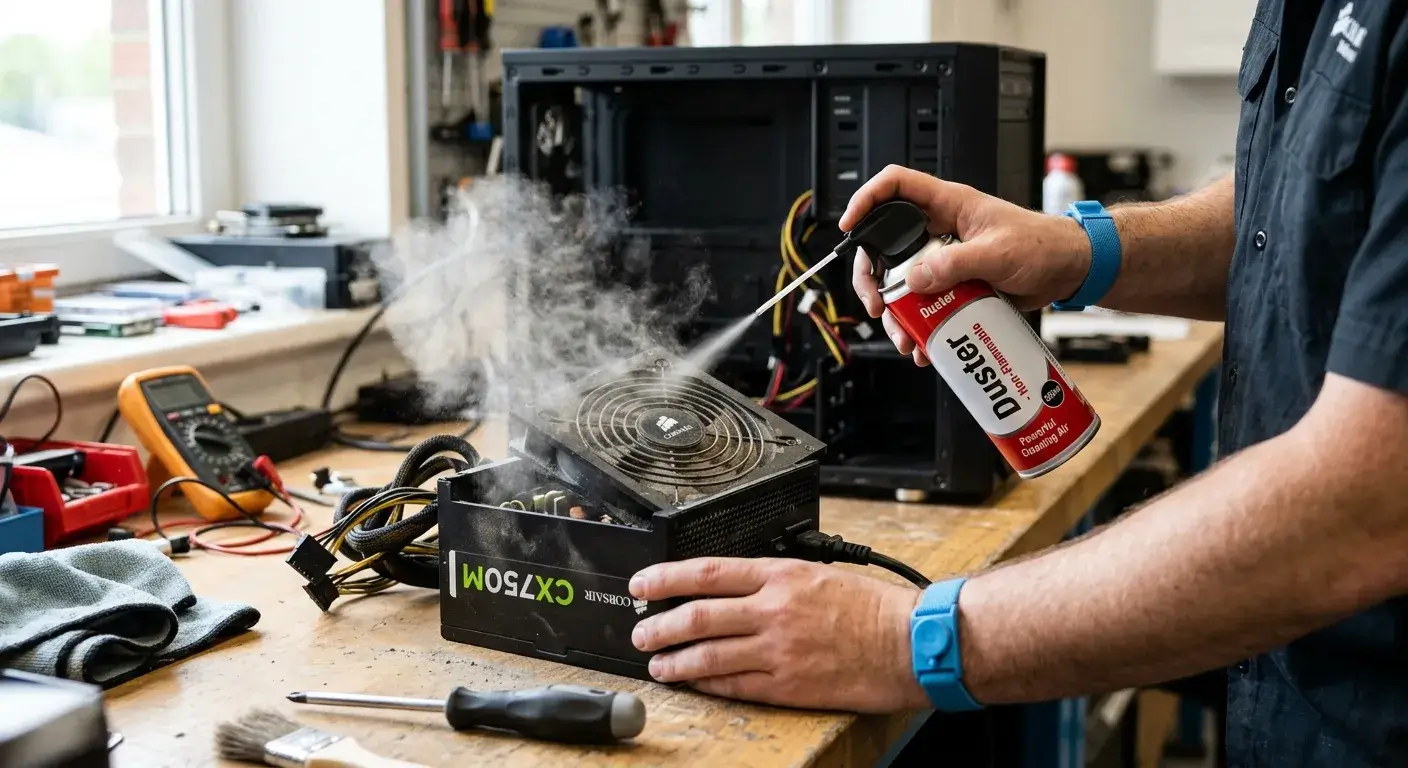
Power Supply Dust Cleaning
Dust inside the power supply restricts airflow and raises your system’s internal temperatures. EZ Laptop Repair PC repair helps thoroughly cleans the computer power supply housing and fan to keep power delivery stable and running cool.
Estimated 1 - 3 days
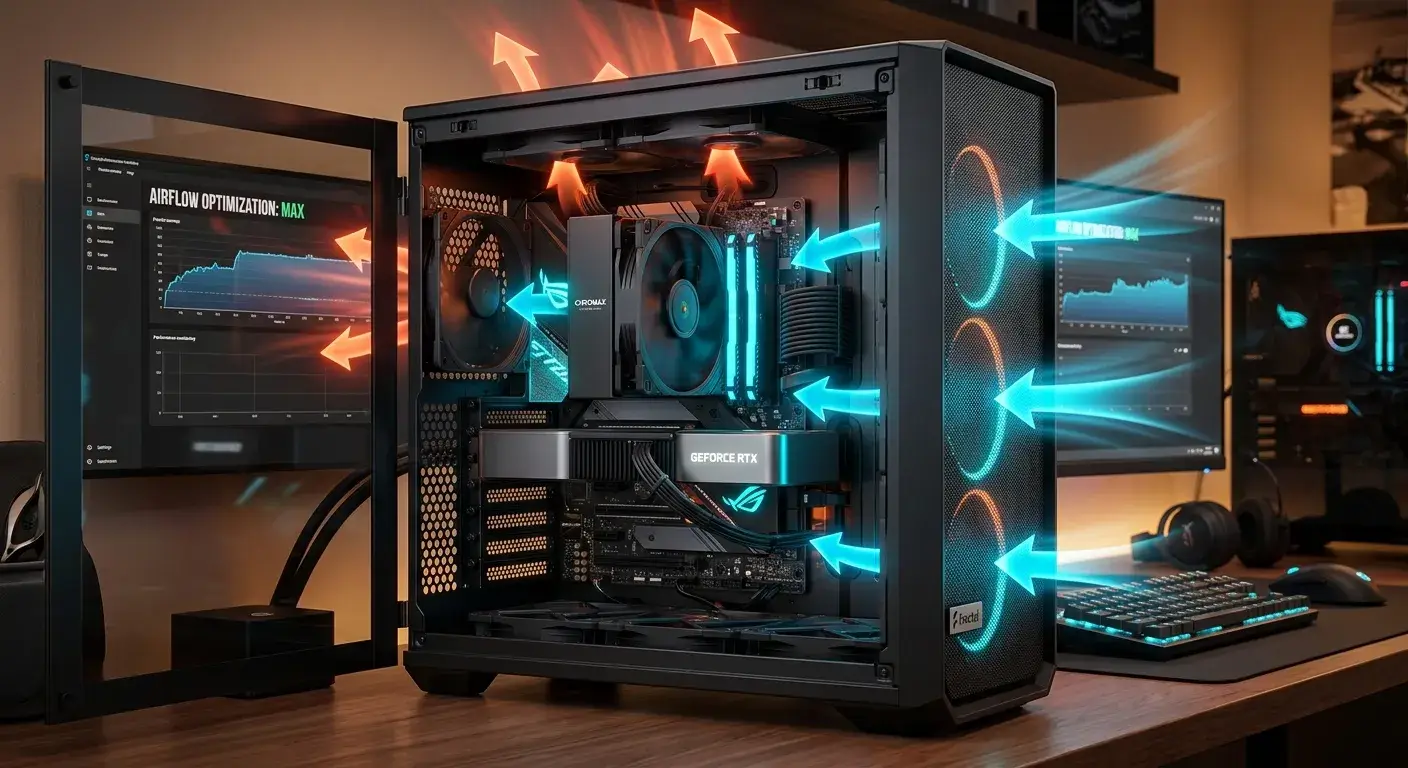
Airflow Optimization & Cable Management
Better cable management means cooler components and easier access for future maintenance. We route and tidy internal cables to improve airflow through the case. For regular customers who avail our PC maintenance plans, you can get discounts whenever you visit.
Estimated 1 - 3 days
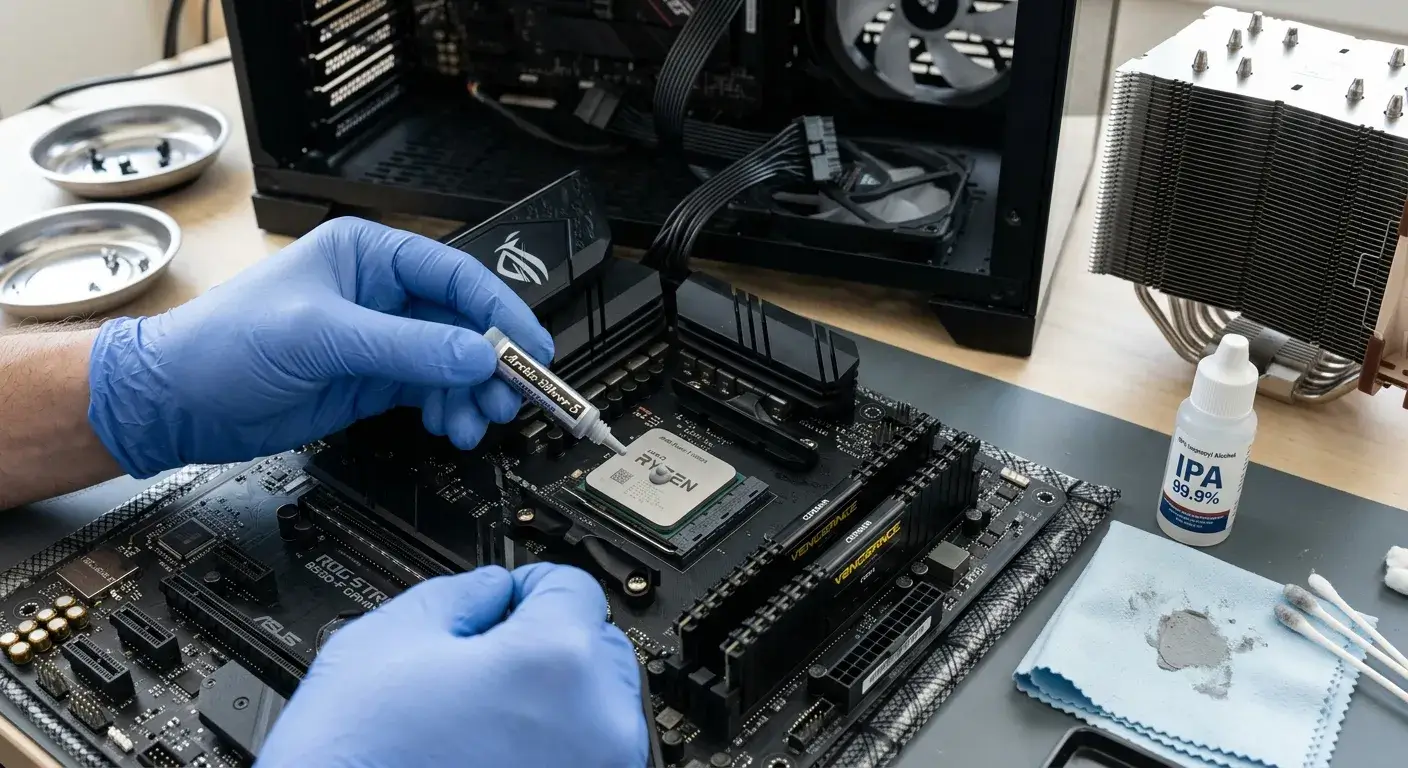
Thermal Paste Replacement (When Needed)
Has your thermal paste dried out or degraded? During the routine maintenance visit, we replace it as part of our computer cleaning service. Fresh thermal paste improves heat transfer and helps prevent unnecessary CPU temperature spikes.
Ongoing PC Maintenance Services to Keep Your Performance Steady
Cleaning is only part of preventive maintenance. We also check temperatures, test fan performance, and monitor how your system runs under load after the service is complete. We handle everything with ESD-safe, anti-static tools, so all your PC parts stay protected throughout the service.
Regular maintenance visits catch small issues, like a slowing fan or rising temperatures, before they turn into overheating or hardware failure. It’s the easiest way to protect your device in the long run.
How Our Las Vegas PC Cleaning Service Works
Every cleaning service follows the same process, whether it’s your first visit or a regular maintenance appointment. We treat every component with the same anti-static care. Here’s what happens when you bring in your PC.
Inspection & Temperature Check
We check current PC temperatures and inspect the cooling system to evaluate where dust and airflow issues are affecting performance.
Internal Cleaning
Our certified A+ technicians remove dust from fans, heatsinks, vents, and the power supply using compressed air and ESD-safe tools throughout.
Airflow & Thermal Paste Service
Once the internal cleaning is done, we optimize cable routing for better airflow and replace thermal paste if it’s dried out or no longer effective.
Post-Service Testing
We monitor temperatures under load after the service to confirm your system runs cooler and quieter. If you have any doubts, you can always come back to claim the 90-day warranty.
Why Las Vegas Chooses Us for PC Cleaning & Maintenance
We’ve maintained desktops and gaming PCs in Las Vegas for over 25 years, and we treat every cleaning service like a diagnostic, not just dust removal. Here’s what sets our maintenance service apart in Las Vegas and beyond.
25+ Years of Local Experience
We've been maintaining computers in Las Vegas for more than 25 years. That experience covers everyday desktops, gaming PCs, and performance systems. You get technicians who understand hardware beyond basic dust removal.
Cleaning Based on Your PC
Not every computer collects dust at the same rate or in the same places. We examine your PC's airflow, usage, environment, and cooling setup, which lets us focus on spots where your system actually needs cleaning.
We Look Beyond the Dust
A cleaning visit can reveal problems that aren't visible during normal use. Our technicians look for worn fans, blocked vents, loose connections, and cooling issues. If we spot something unusual, we'll explain it before recommending further work.
No Unnecessary Repairs
We don't turn a simple cleaning into a list of repairs you don't need. If your PC only needs cleaning, that's what we'll tell you. If we find a genuine hardware concern, we'll explain your options first.
Keep Your PC Running Cool and Clean All The Time
Dust and heat build up quietly until your PC starts running loud, hot, or slow. If it’s been a while since your last cleaning, this is a good time to give your system some attention. Schedule a PC cleaning with EZ Laptop Repair in Las Vegas and keep your system running the way it should.
Frequently Asked Questions
Yes. Removing dust and improving airflow lowers temperatures, which reduces thermal throttling and helps your CPU and GPU run at full speed.
Over time, dust traps heat, restricts airflow, and can cause components to run hotter than they should, shortening their lifespan.
A loud fan is often working harder to cool a dust-clogged system. Cleaning the fans and heatsinks usually reduces noise significantly.
Yes. Dried thermal paste reduces heat transfer from the CPU. Replacing it during a cleaning service helps lower temperatures.
Most cleaning services are completed the same day, depending on how much internal buildup and cable management the system needs.
Yes. Professional cleaning reaches components you can't safely access at home and includes temperature testing to confirm reliable and long term results.
Yes. Gaming PCs generate more heat and run fans harder, so regular cleaning helps maintain performance during long gaming sessions.