Local Las Vegas Computer Repair
We provide computer repair services for customers in Las Vegas and surrounding areas.
Year of Experience
When your computer won’t start, crashes, runs slowly, overheats, or develops another issue, EZ Laptop Repair provides computer repair in Las Vegas. With more than 25 years of experience, our technicians have handled thousands of computer problems, including hardware faults, startup issues, system errors, overheating, and performance problems.
Every repair begins with a proper diagnosis to identify the underlying cause and explain your options before work begins. Our repairs include a 30-day guarantee, while replacement parts come with a one-year warranty. We work with desktop computers, Windows PCs, gaming computers, workstations, and custom-built systems.
We provide computer repair, diagnostics, upgrades, and maintenance for desktops, PCs, gaming systems, and workstations.
Estimated 1 - 3 days
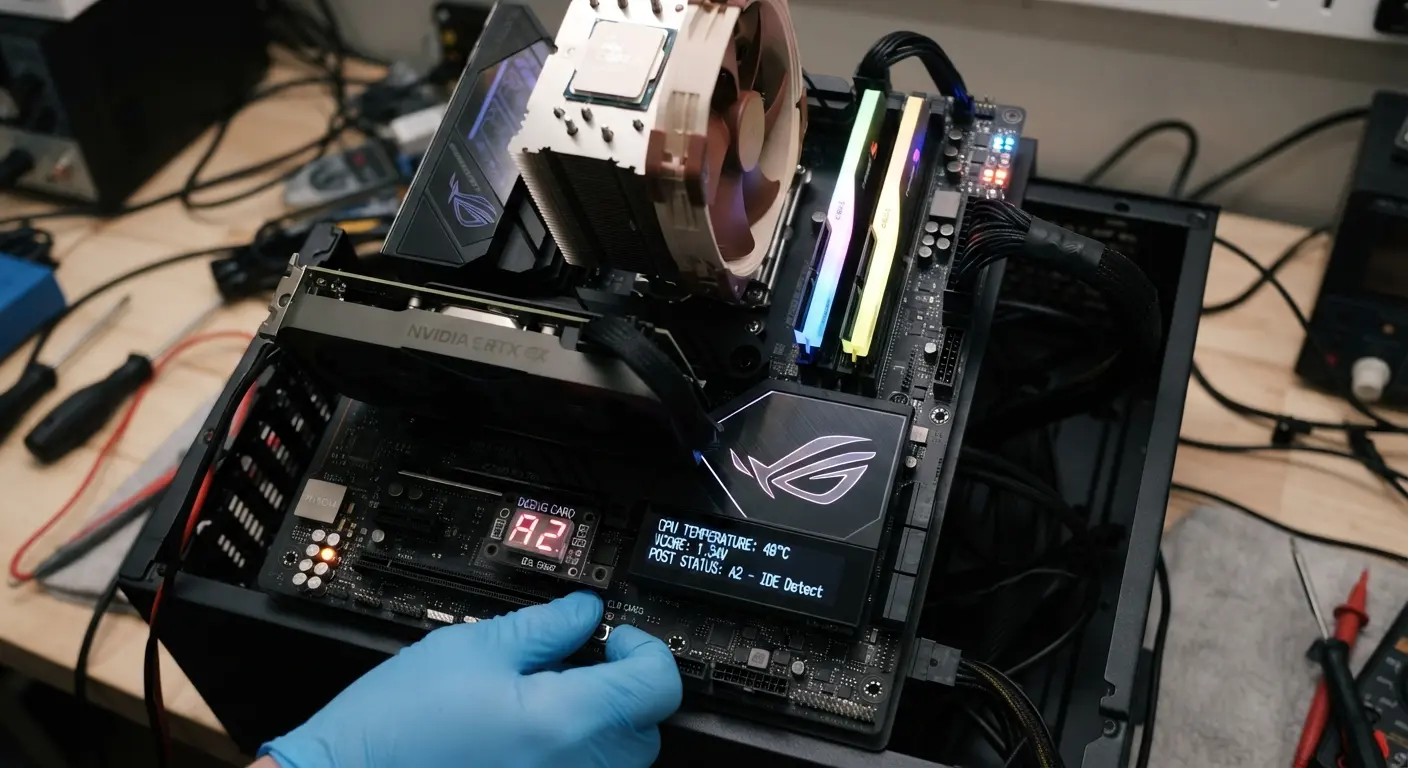
We diagnose motherboard faults, startup failures, power issues, and damaged components to determine whether repair or replacement is the right option.
Estimated 1 - 3 days
We diagnose power failures, startup problems, and unstable power issues before recommending a suitable repair or replacement.
Estimated 1 - 3 days
We diagnose graphics card problems, including display issues, overheating, crashes, and hardware failures affecting gaming or demanding applications.
Estimated 1 - 3 days
We diagnose processor-related problems, overheating, and performance issues and recommend a suitable replacement when necessary.
Estimated 1 - 3 days
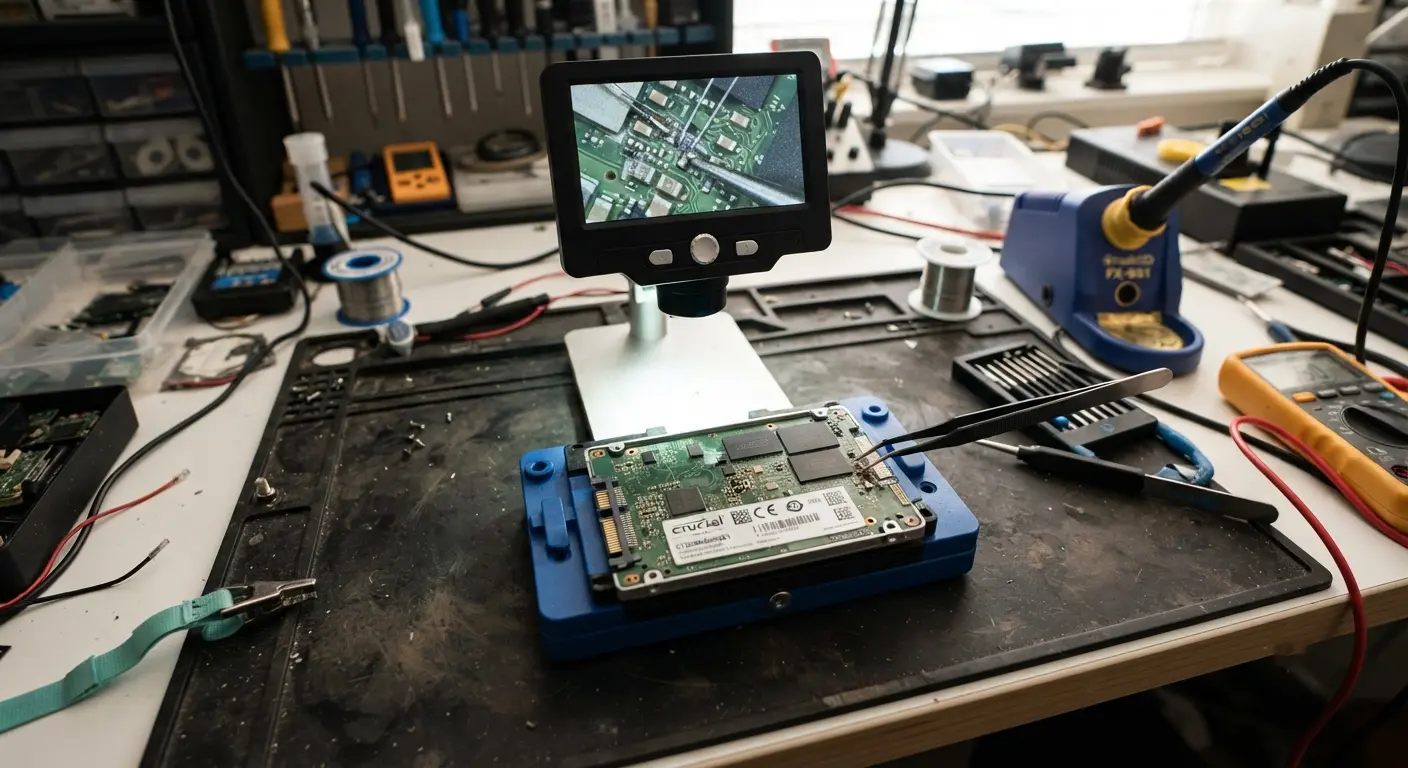
We assess storage problems, drive failures, and performance issues and help determine whether repair, replacement, or data recovery is appropriate.
Estimated 1 - 3 days
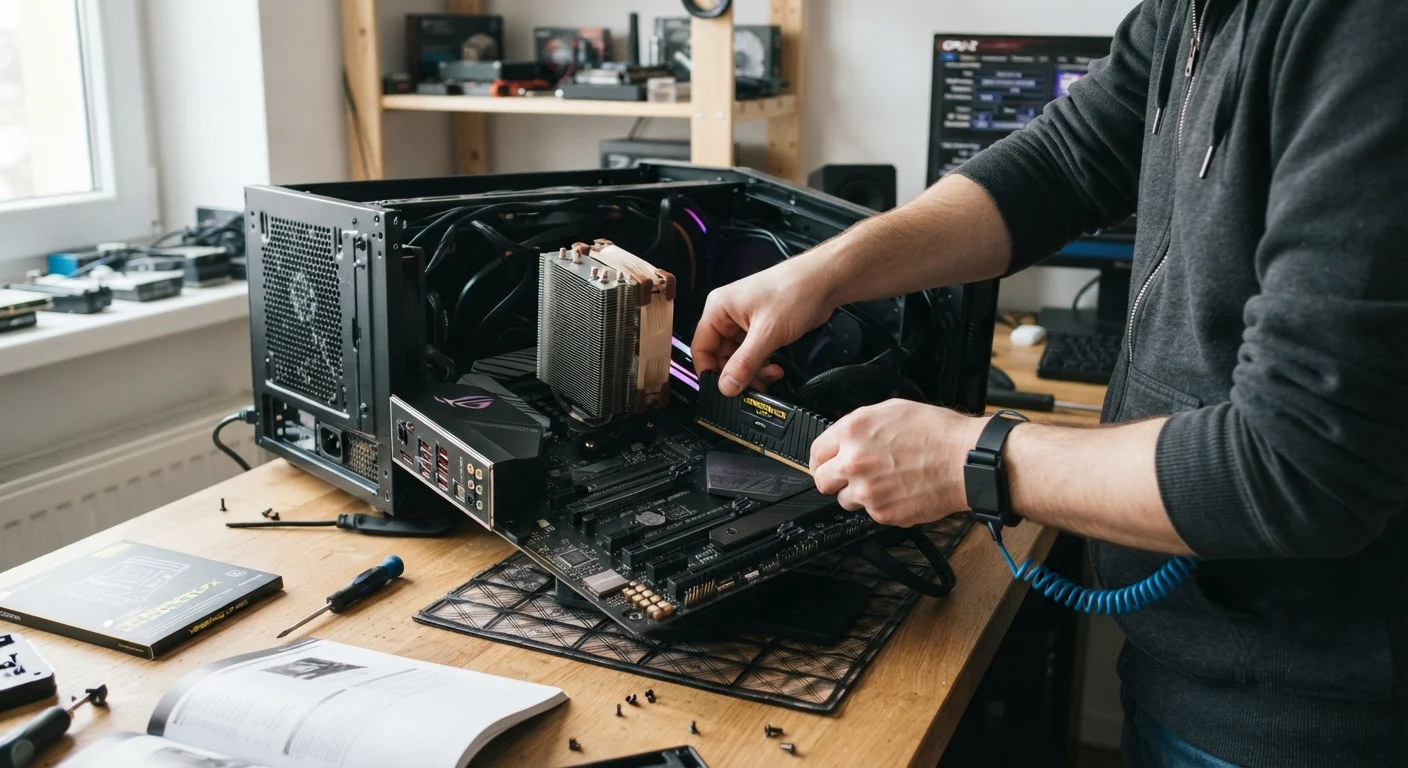
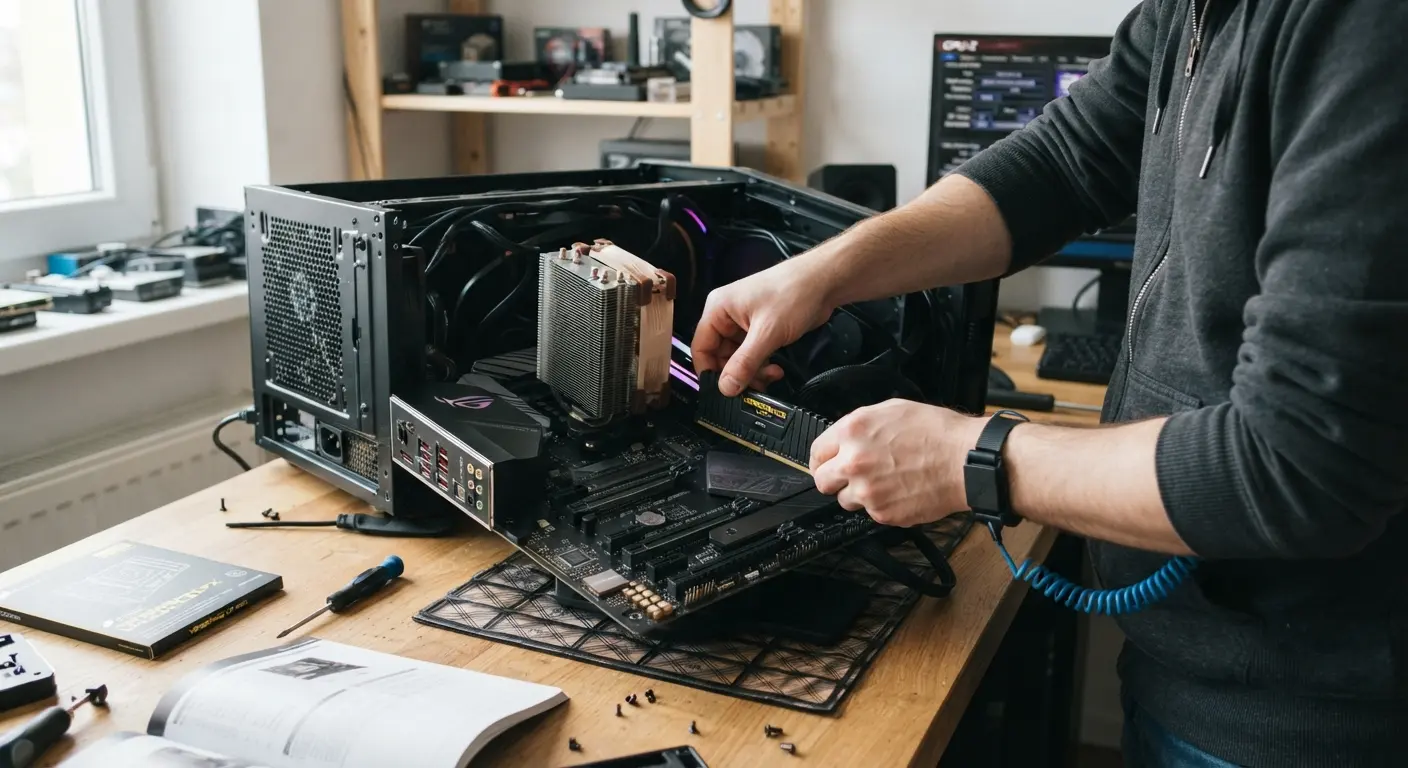
We test computer memory for faults and compatibility issues and recommend suitable RAM replacements or upgrades when needed.
Estimated 1 - 3 days
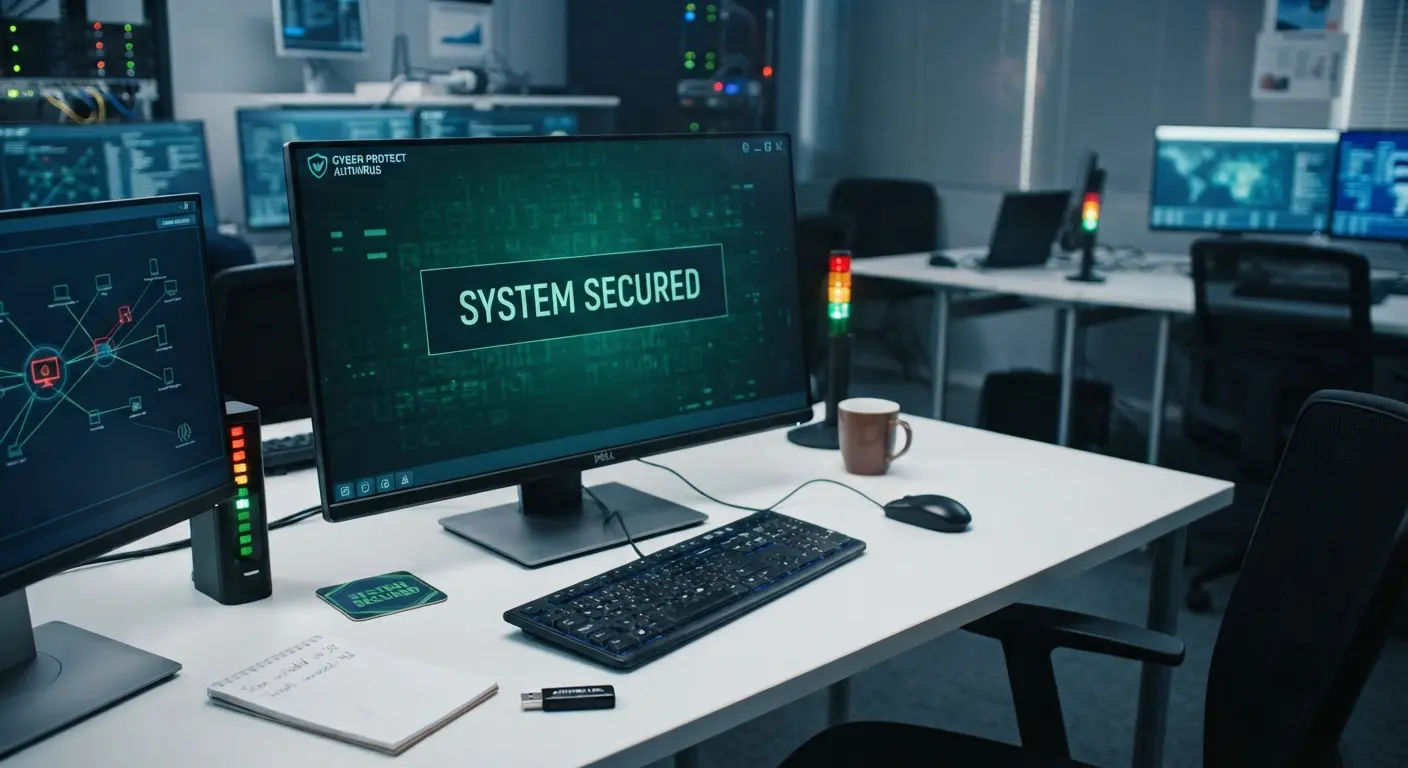
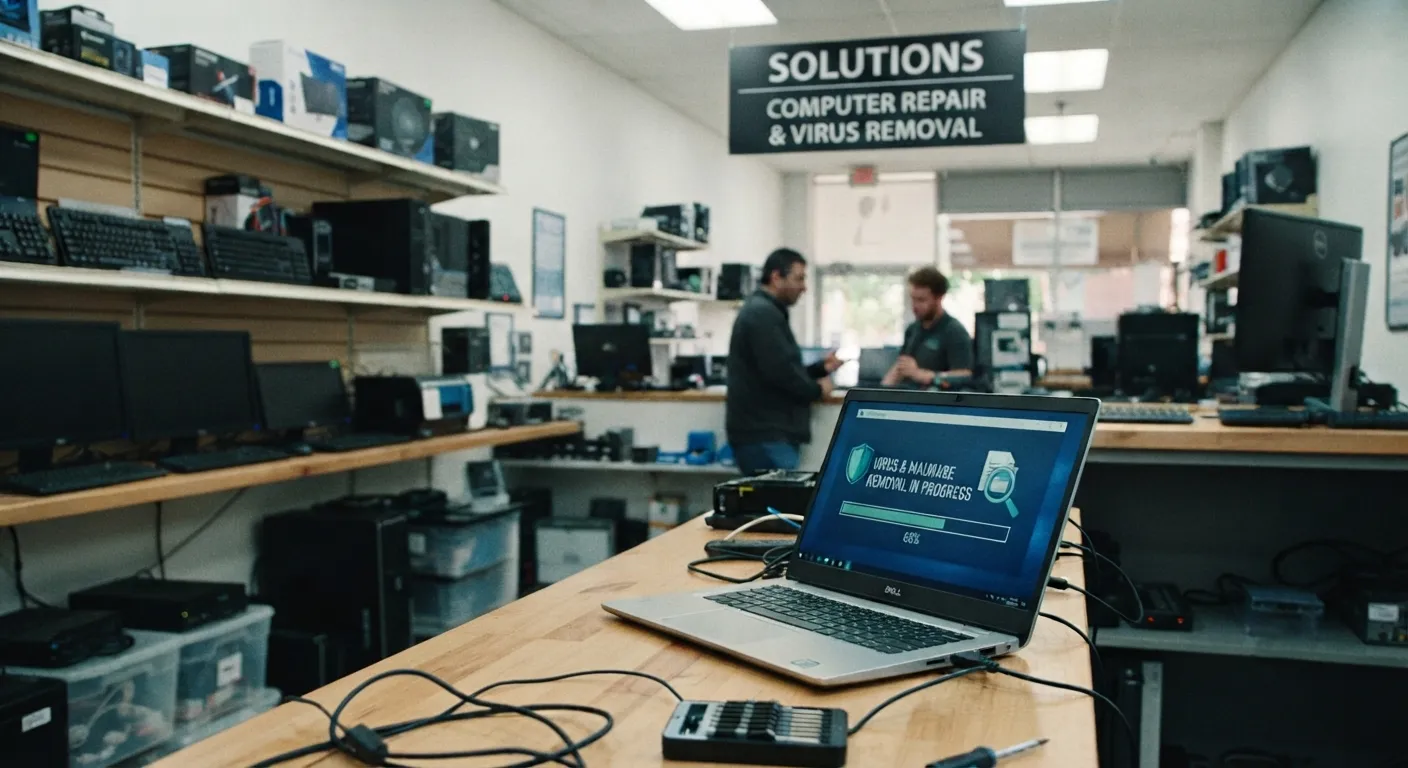
We identify and remove malware that can affect computer performance, security, or system stability while taking care to protect important files.
Estimated 1 - 3 days
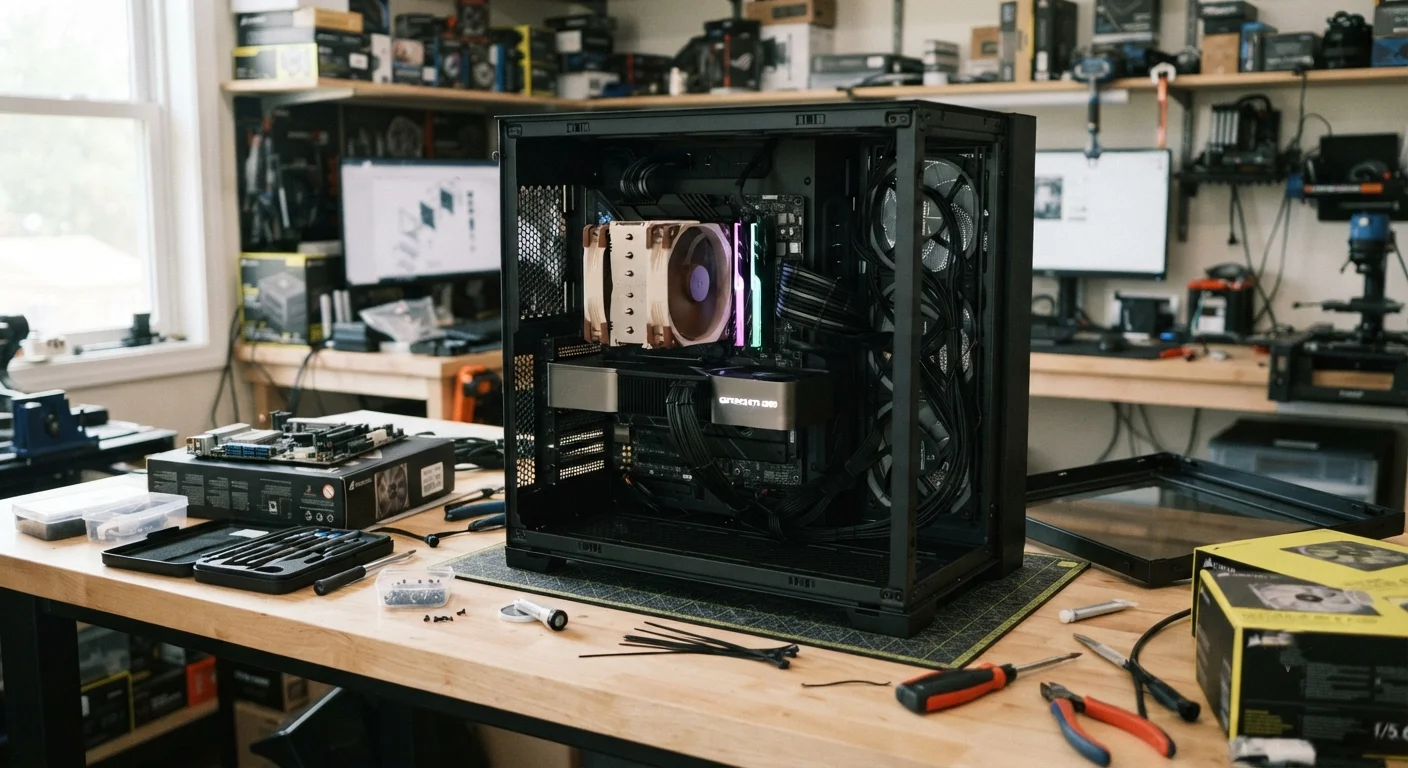
We help select compatible components and build custom computers for gaming, professional work, everyday use, or specific requirements.
Estimated 1 - 5 days
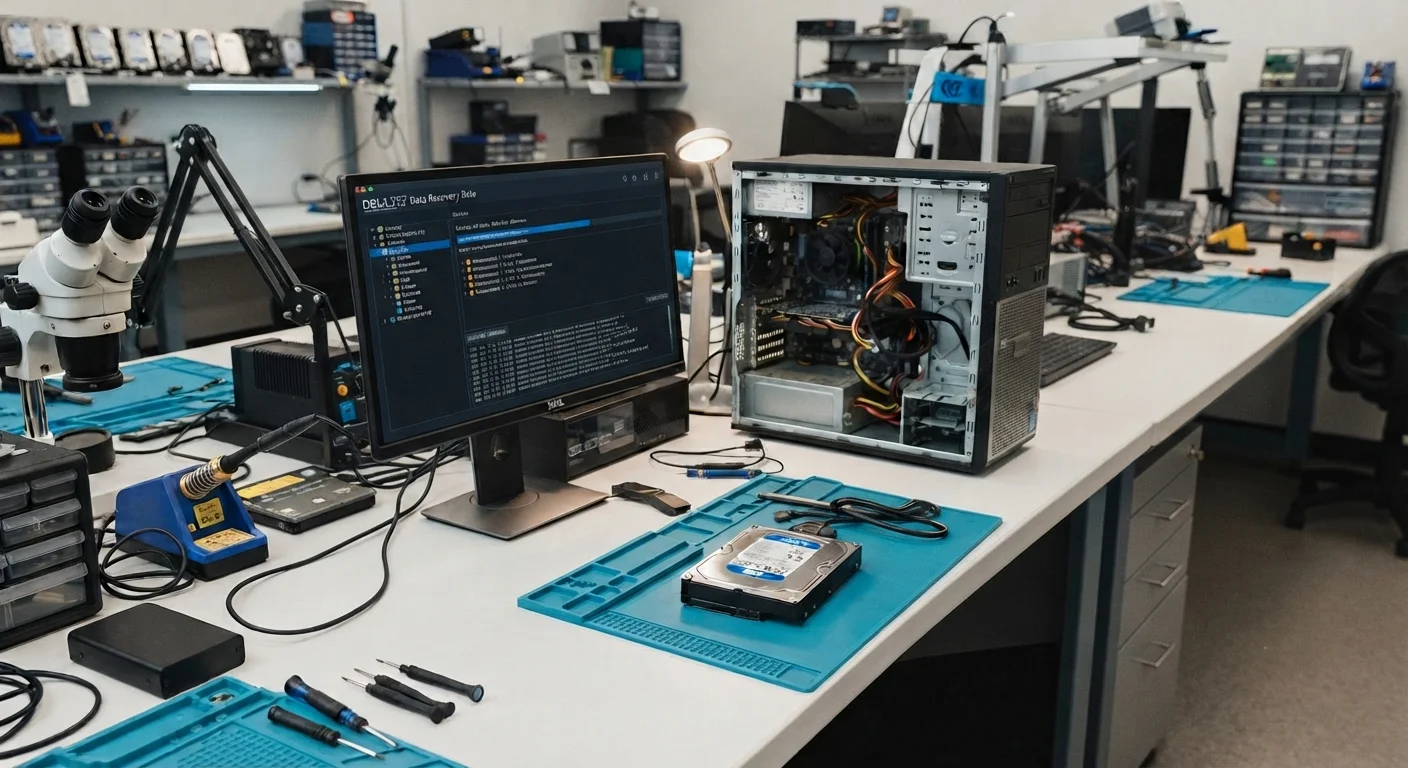
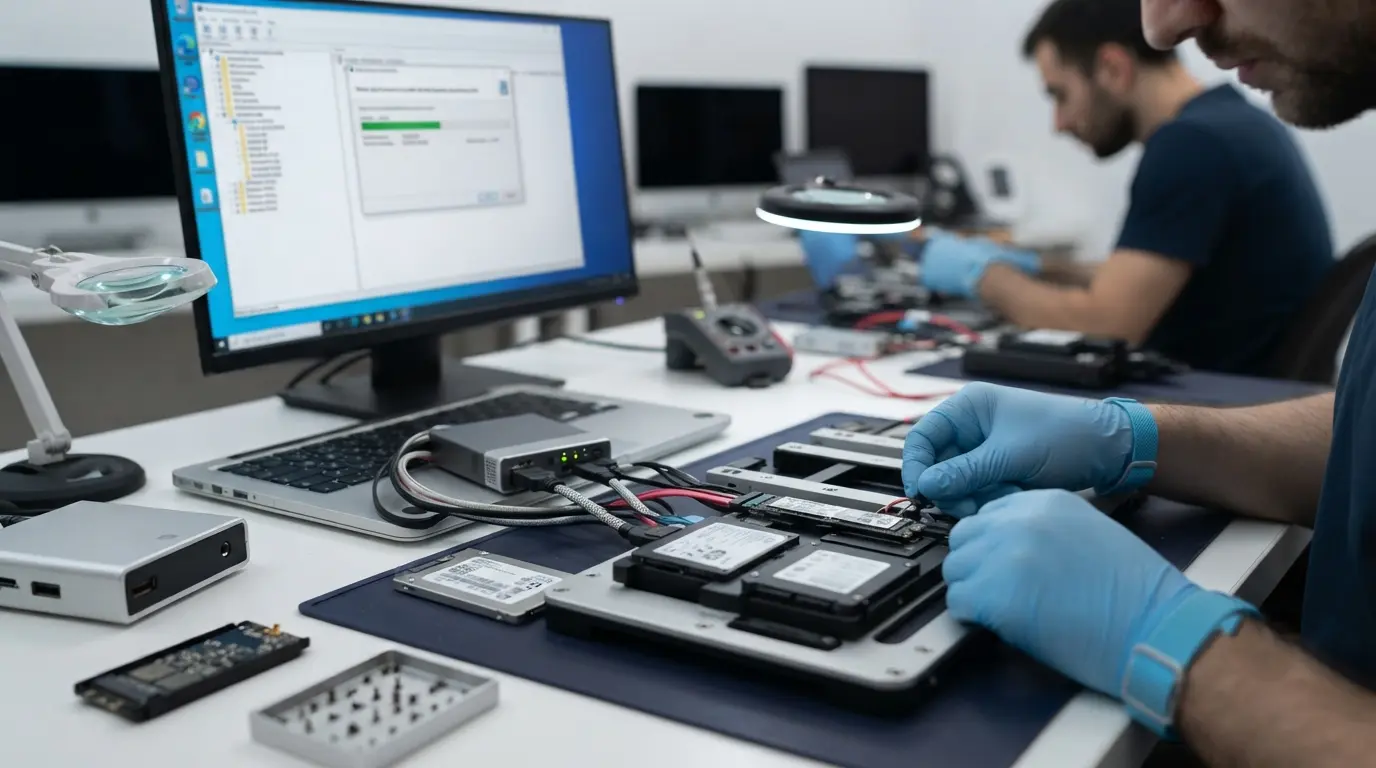
We help with data backup solutions and assess storage devices when important files become inaccessible or difficult to retrieve.
Estimated 1 - 5 days
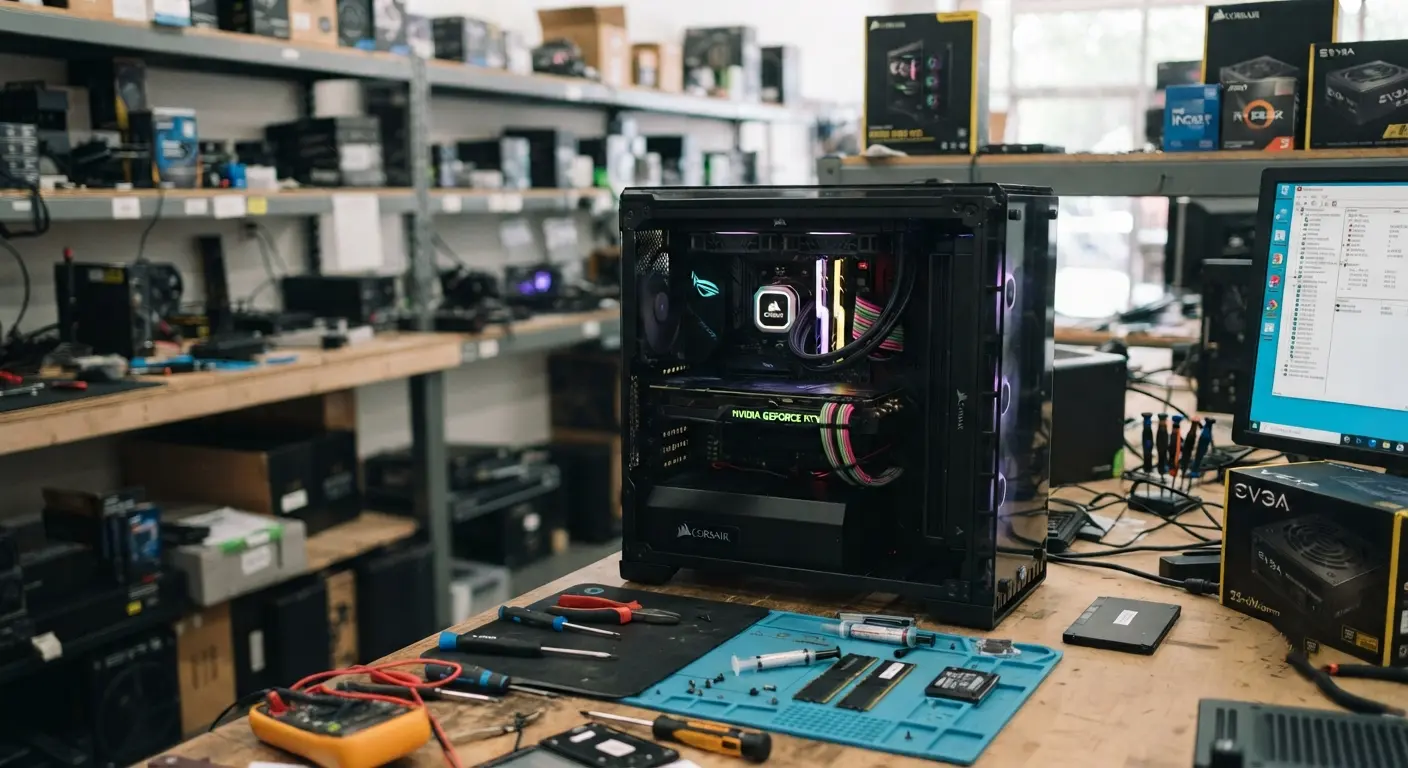
We diagnose gaming PC crashes, overheating, hardware problems, and performance issues and recommend suitable repairs or compatible upgrades.
We provide computer repair services for customers in Las Vegas and surrounding areas.
We identify the underlying problem before recommending a repair or replacement.
We explain what's wrong, what the repair involves, and what your options are before work begins.
We work with desktop PCs, gaming computers, workstations, and custom-built systems.
A free diagnostic is available to help identify the cause of your computer problem.
Some repairs can be completed the same day, depending on the issue, required parts, and diagnostic results.
Handing over your desktop computer can feel stressful, especially if it contains important files, work documents, or years of personal memories. That’s why we’ve built a repair process that’s transparent from start to finish. You’ll know what’s wrong, what it takes to fix it, and what happens next before any repair begins.
We start by assessing your computer and investigating the symptoms you’re experiencing.
Our diagnostic process helps determine whether the issue is related to hardware, software, power, storage, memory, cooling, or another component.
We explain what we found and discuss the available repair, replacement, or upgrade options.
You receive the repair details and expected cost before any work begins.
Once approved, we complete the repair and test the computer to make sure the reported issue has been addressed.
A computer problem does not always mean you need a replacement. We help identify the problem, assess the condition of your computer, and determine whether repair is a practical option. For issues involving hardware components, software, storage, memory, power, or other repairable faults, repair may be the better choice. If your computer is outdated, has several major faults, or would cost too much to repair, replacement may make more sense. We assess the condition, explain your options, and provide the expected cost so you can make an informed decision.

You don't have to guess what's wrong with your computer.
Bring your desktop or PC to EZ for a diagnostic and get a clear understanding of the problem and your repair options.
Computer repair costs vary depending on the problem, computer model, parts required, and complexity of the repair. A diagnostic can help identify the issue before a repair quote is provided.
Yes. A computer that won't turn on can have several possible causes, including power, motherboard, connection, or other hardware problems. A diagnostic is needed to identify the actual fault.
Slow performance can result from failing storage, limited memory, software problems, malware, overheating, or older hardware. A diagnostic can help determine what's affecting your computer.
Yes. Overheating can be related to cooling problems, fans, thermal issues, dust, or other hardware problems. The cause should be identified before deciding on a repair.
It depends on the computer's condition, age, repair cost, and how you use it. A diagnostic can help you compare the practical value of repairing your existing system with replacing it.
Turnaround depends on the problem, parts availability, and repair complexity. Some eligible repairs may be completed the same day, while more complex repairs can take longer.

EZ Laptop Repair is Las Vegas’s trusted choice for fast, reliable laptop repairs. Serving Henderson, Anthem, and Paradise, we use authentic parts and back every repair with a 90-day warranty.
©2026. ezlaptoprepair . All Rights Reserved.