Search on this blog

Search on this blog

ez laptop repair

Fast, Reliable Hard Drive Repair for Las Vegas Laptops

Hard drive not detected, making noises, or laptop won’t boot? EZ Laptop Repair handles hard drive repair and SSD replacement in Las Vegas the same day with a free diagnostic. Starting from $75. 

Same day Service

90 days labor guarantee

1 year parts warranty

Free Diagnosis

25

Year of Experience

Welcome to ez laptop repair

Professional Hard Drive Repair & SSD Replacement in Las Vegas

EZ Laptop Repair provides same day hard drive repair and SSD replacement in Las Vegas for laptops and desktops across all major brands. From Dell, HP, Lenovo to Apple MacBook, Asus, Acer, Samsung, Microsoft Surface, and more, we handle HDD failures, SSD faults, corrupted storage, clicking drives, and storage upgrades. Whether your drive has failed completely, corrupted its file system, or is showing early warning signs, our CompTIA A+ certified technicians have been diagnosing and repairing storage failures since 2000. Every job starts with a free drive health diagnostic before we quote anything.

Services Process

How We Diagnose Laptop Hard Drive and SSD Problems?

If your hard drive is clicking or grinding, stop using the laptop immediately. Every additional read attempt on a mechanically failing drive reduces the chance of recovering what's on it. Here's every storage failure scenario we diagnose and fix in our Las Vegas shop:

Laptop Stuck on the Boot Screen or Loading Circle

A laptop that powers on but can't get past the manufacturer's logo or the Windows loading screen always has a storage problem. Either the drive has failed, the boot sector is corrupted, or the OS files are damaged. We run a full drive health check to determine whether the drive itself is the issue or whether the OS can be repaired without replacing the drive.

Hard Drive Not Detected

When Windows, macOS, or BIOS doesn't see the drive at all, it's either a connection issue, like the SATA or NVMe connector has come loose, or the drive has failed to a point where it no longer responds. We check the connection first, then assess the drive independently. If the drive has failed completely, we advise on data recovery options before recommending a replacement.

Clicking, Grinding, or Ticking Sounds

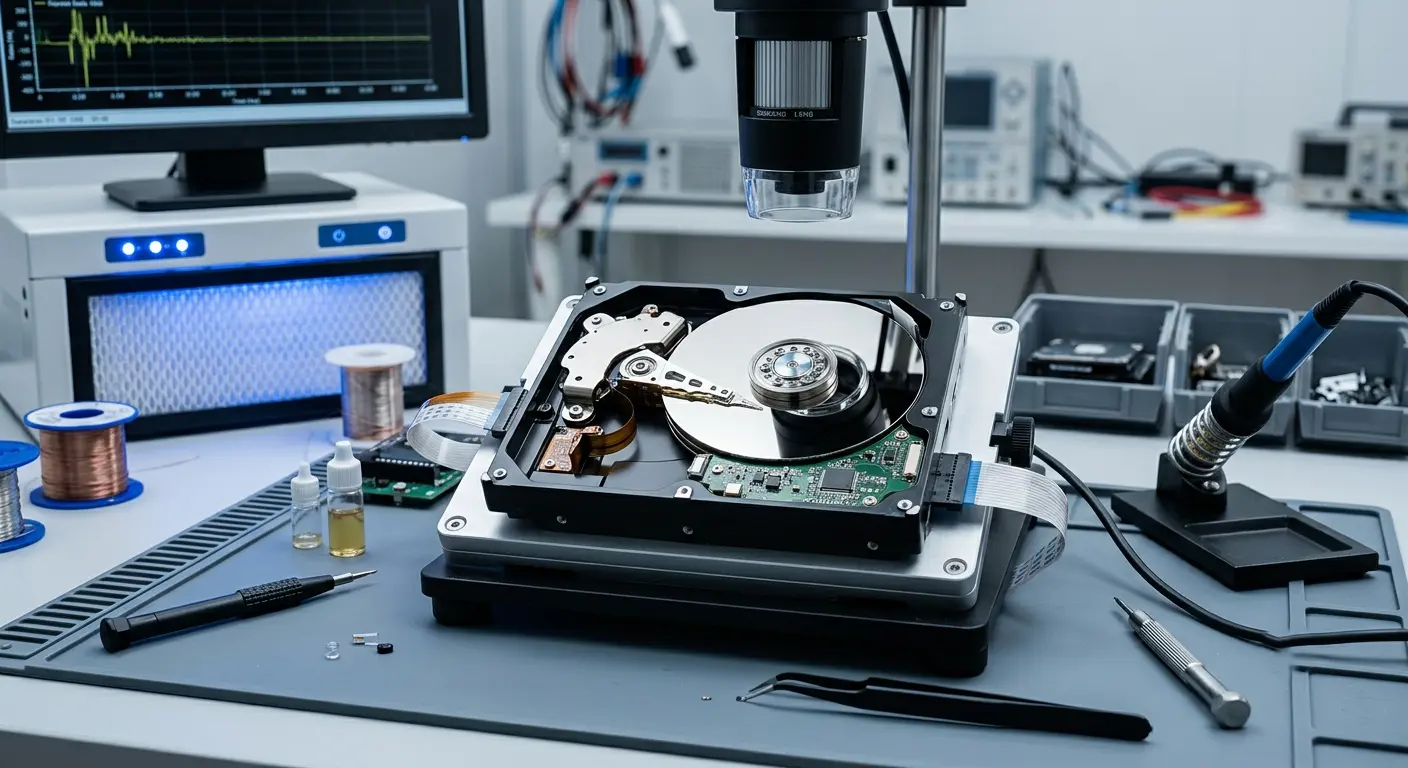
Mechanical clicking, grinding, or a repeating tick from inside a spinning hard drive means the read head or motor is failing. This is a physical failure, and it gets worse with every additional read attempt. If your HDD is making these sounds, stop using the laptop, bring it in immediately, and tell us when the noise started.

Blue Screen of Death With Storage Error Codes

BSOD errors referencing DISK_BOOT_FAILURE, CRITICAL_PROCESS_DIED, or similar storage related stop codes indicate a drive that's failing or has already developed bad sectors. We run a full bad sector scan and drive health assessment to determine how far the failure has progressed and whether the drive can be repaired or cloned, or needs replacing.

SSD Not Recognised or Showing Wrong Capacity

An SSD that's lost its partition table, shows as the wrong size, or isn't detected by the OS has a firmware or file system issue rather than a physical failure in most cases. Our repair experts run SSD specific diagnostics to confirm whether it's a recoverable logical failure or a hardware fault before recommending a replacement.

External Hard Drive Not Working

External hard drives fail for the same reasons as internal ones: mechanical failure, corrupted file systems, or damaged connectors on the enclosure. At EZ Laptop Repair, we assess the drive independently to determine whether the problem is the drive itself or the housing, and advise on data recovery before any formatting.

Before We Replace : We Check Your Data

A failed hard drive has two separate problems: the lost functionality and the data that was on it. Most customers prioritise one or the other. Some need the laptop working, others need specific files back regardless of the drive. We explain both at the diagnosis.

If data recovery is the priority, we assess the drive for recoverability before recommending any replacement. We NEVER format a drive to reinstall the OS until we’ve confirmed either that the data is already backed up or the customer has made a decision about what they’re willing to lose. 

If the drive has failed beyond recovery, like a physically damaged platter or a fully seized motor, we tell you that clearly. We don’t charge for a recovery we can’t deliver.

From a Dead Drive to a Working Laptop, Here's the Process

Every hard drive repair in Las Vegas at EZ Laptop Repair follows the same four steps. Built to protect your data and confirm the right fix before any repair begins. We begin with drive selection matched to your model, data migration, and OS configuration on the new drive. 

Free Drive Health Diagnostic

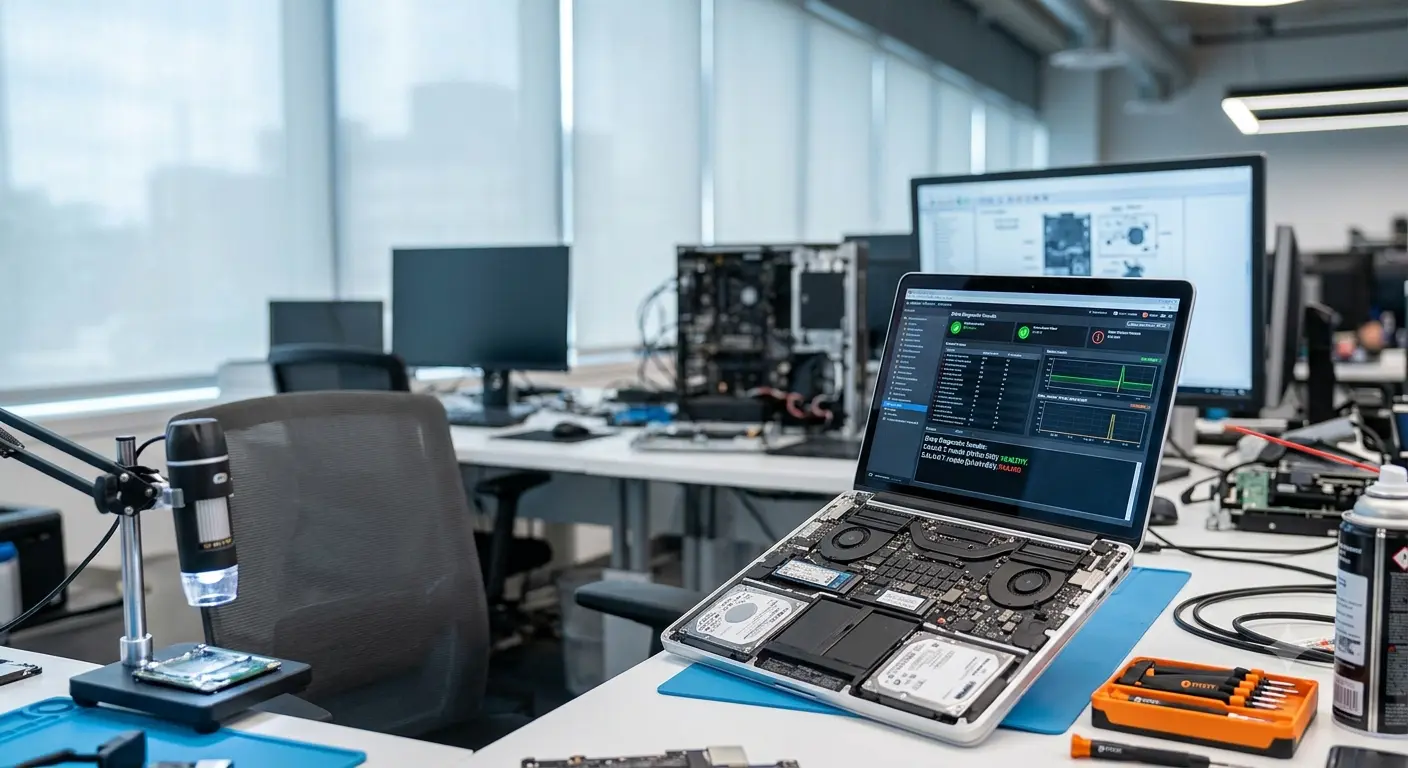
We run a full storage analysis for drive health status via S.M.A.R.T. data, bad sector count, read/write speed test, connection integrity, and boot drive function. For SSDs, we check controller status and write endurance. 

Data Recovery Assessment First

Before any drive is formatted, replaced, or written to, we confirm what data is on it and what’s recoverable. If you need specific files back, we advise on the recovery solutions before the repair. Nothing happens to your data without your explicit decision on how to proceed.

Repair, Replace, or Upgrade

If the drive has a corrupted file system, bad sectors confined to a small area, or a detached connector, we repair it. If it’s failed beyond repair, we replace it with a matched/upgraded drive and migrate your data where recovery has confirmed it’s accessible. 

Full Boot and Function Test

Every device is tested through a complete boot cycle, storage read/write confirmation, and OS stability check before it leaves our shop. If the repair involves a drive clone or OS reinstall, we confirm your files are present and the system is running correctly before handing it back.

What Sets Our Las Vegas Storage Repair Services Apart

Hard drive repair is one of the areas where smart decisions matter as much as the technical work. A shop that formats and reinstalls before checking data recoverability has already made a decision for you that you didn’t get to make. Here’s how we approach it differently:

Estimated 1 - 3 days

Data Evaluation Before Any Repair

Data Evaluation Before Any Repair

We confirm the data situation at the diagnostic before touching the drive. If the files matter, that conversation happens first, not after a format has already been run. It's the reason customers trust us with their most important stored work.

Estimated 1 - 3 days
Full Drive Cloning and OS Migration Included

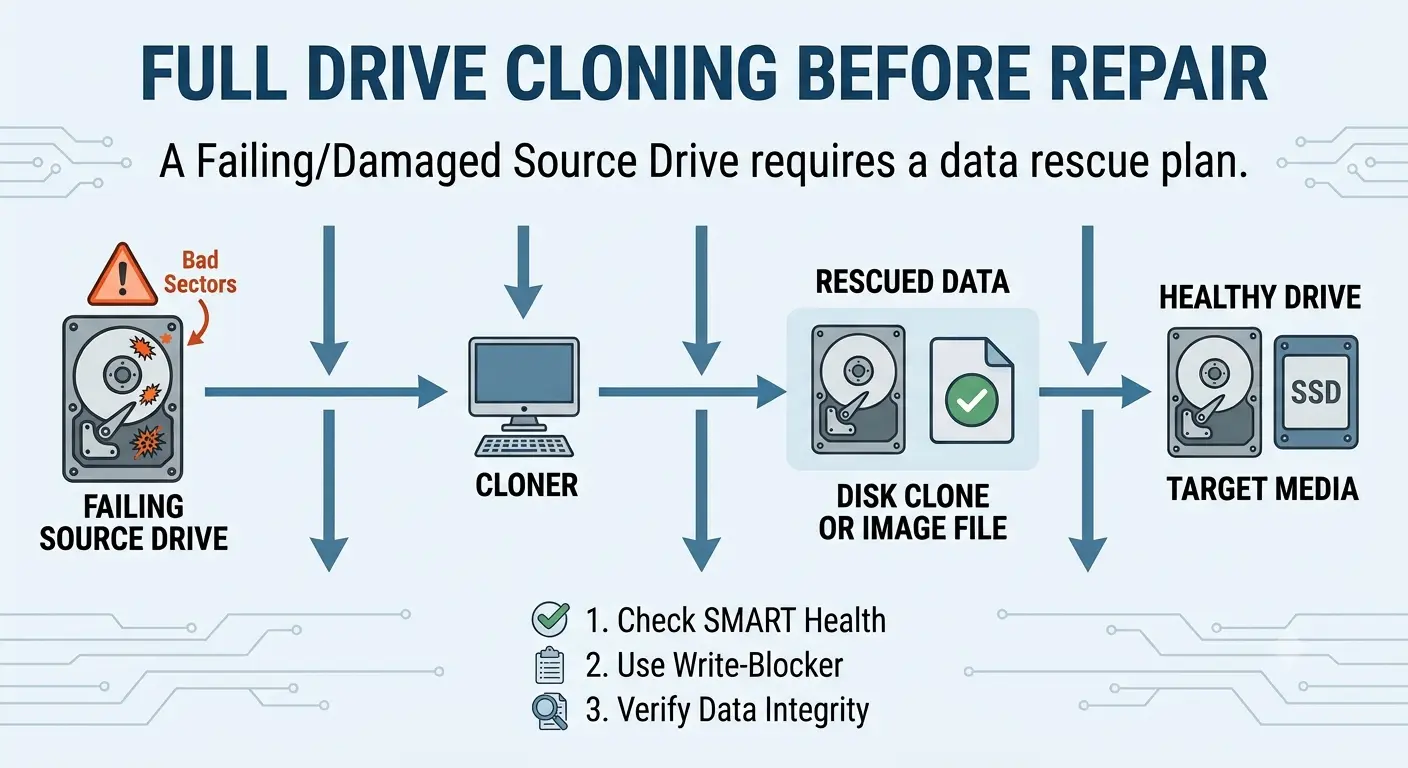
Full Drive Cloning and OS Migration Included

When a drive is replaced, we clone the original, where data is accessible. Our technicians transfer the OS, applications, and files to the new drive without requiring a fresh setup. If the original can't be cloned, we perform a clean OS installation and restore any recovered data.

Estimated 1 - 3 days

Matched SSD Upgrades

Matched SSD Upgrades

Every replacement or upgrade SSD is matched to your laptop's interface. NVMe PCIe, SATA M.2, or 2.5-inch SATA and sized appropriately for the device's storage controller. We confirm the correct drive type at the diagnostic before sourcing anything.

Estimated 1 - 3 days
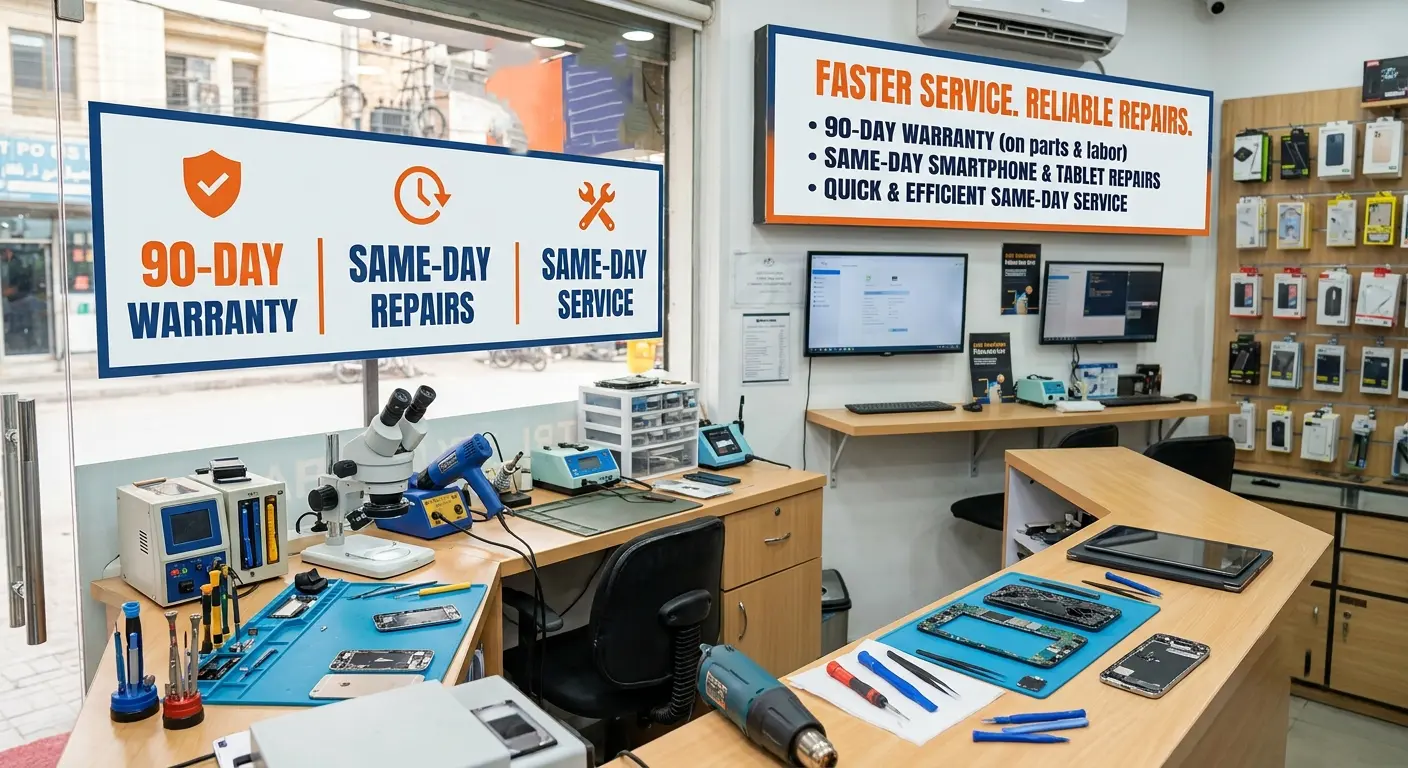
90 Days Warranty Same Day Repairs

90 Days Warranty Same Day Repairs

Most hard drive replacements, SSD upgrades, and file system repairs are completed the same day. Drive cloning time depends on the volume of data. We give you an accurate timeframe for the diagnostics.

Get Expert Hard Drive Repairs Across All Major Brands

A healthy but slow laptop running on a mechanical hard drive is often a better upgrade than a repair. Replacing an HDD with an SSD is one of the most significant performance boosts available for older laptops. Here’s what we handle per brand in our Las Vegas shop:

Dell Hard Drive Repair

Dell XPS laptops use NVMe SSDs that are fast when functioning and completely unbootable when they fail. Inspiron models span SATA SSDs and 2.5-inch HDDs depending on the configuration year. For all Latitude and Precision business laptops, we prioritise data assessment before any drive action on every Latitude and Precision that comes in.
Asus Hard Drive Repair

Asus ZenBook, VivoBook, ROG, and TUF laptops use a mix of M.2 SATA and NVMe storage, depending on the model. We confirm the correct interface during the diagnostic and replace failed drives with matched components. For older Asus laptops with HDDs, we also provide same day SSD upgrades and OS migration for most models.
Toshiba Hard Drive Repair

Many Toshiba Satellite and Tecra laptops still use older 2.5-inch SATA hard drives nearing the end of their lifespan. Clicking or grinding sounds often signal mechanical failure and require immediate help. We prioritize data recovery and offer SSD upgrades for compatible models.
Acer Hard Drive Repair

Acer Aspire laptops often use 2.5-inch SATA hard drives, making them ideal candidates for SSD upgrades. Predator and Nitro gaming models rely on high-speed NVMe storage, while Swift devices vary by generation. Our team identifies the correct drive type before recommending any repair or replacement.
HP Hard Drive Repair

HP EliteBook and ProBook business models have encrypted drives managed by HP's enterprise security software, which affects how cloning and OS migration are handled. Omen gaming laptops use high-speed NVMe storage that we replace with matched drives to maintain the original read/write performance.
Apple MacBook Hard Drive Repair

Our Apple certified technicians handle MacBook storage repair. Modern MacBook Air and MacBook Pro models use proprietary SSD modules soldered to the logic board on M-series devices. These cannot be replaced in the traditional way, which makes data recovery the priority on any Mac with a failed storage system.
Lenovo Hard Drive Repair

Lenovo ThinkPad models use a range of storage configurations across their lineup. M.2 SATA, NVMe PCIe, and on older models, 2.5-inch SATA. Legion gaming models use high-speed NVMe drives that we replace with matched units.
Razer Hard Drive Repair

Razer Blade laptop store critical data on high-speed SSDs that can fail due to wear, power issues, physical damage, or firmware corruption. We provide professional hard drive and SSD repair in Las Vegas, using advanced diagnostic and data recovery techniques to restore drive functionality.
Samsung Hard Drive Repair

Samsung Galaxy Book laptops use NVMe SSDs and M.2 SATA drives depending on the model and year. We perform a full S.M.A.R.T. health assessment to check drive condition and remaining lifespan. Every drive recommendation is based on the actual state of the storage device.
Microsoft Surface Hard Drive Repair

Most Surface Pro and Surface Laptop models use soldered storage that cannot be removed through conventional methods. We assess available recovery and repair options before recommending any service. If the storage hardware is functional, same day OS reinstallation is available for all.
MSI Hard Drive Repair

MSI gaming and creator laptops rely on high performance NVMe SSDs designed for demanding workloads. Heavy tasks such as gaming, video editing, and 3D rendering can accelerate storage wear over time. We assess SSD health and offer honest advice on repair or replacement.

Alienware Hard Drive Repair

Alienware gaming laptops use high-speed NVMe PCIe SSDs that require carefully matched replacements. EZ Laptop Repair recommends storage capacity based on your current usage and performance needs rather than simply matching the original drive. When possible, drive cloning is included to preserve your data and setup.
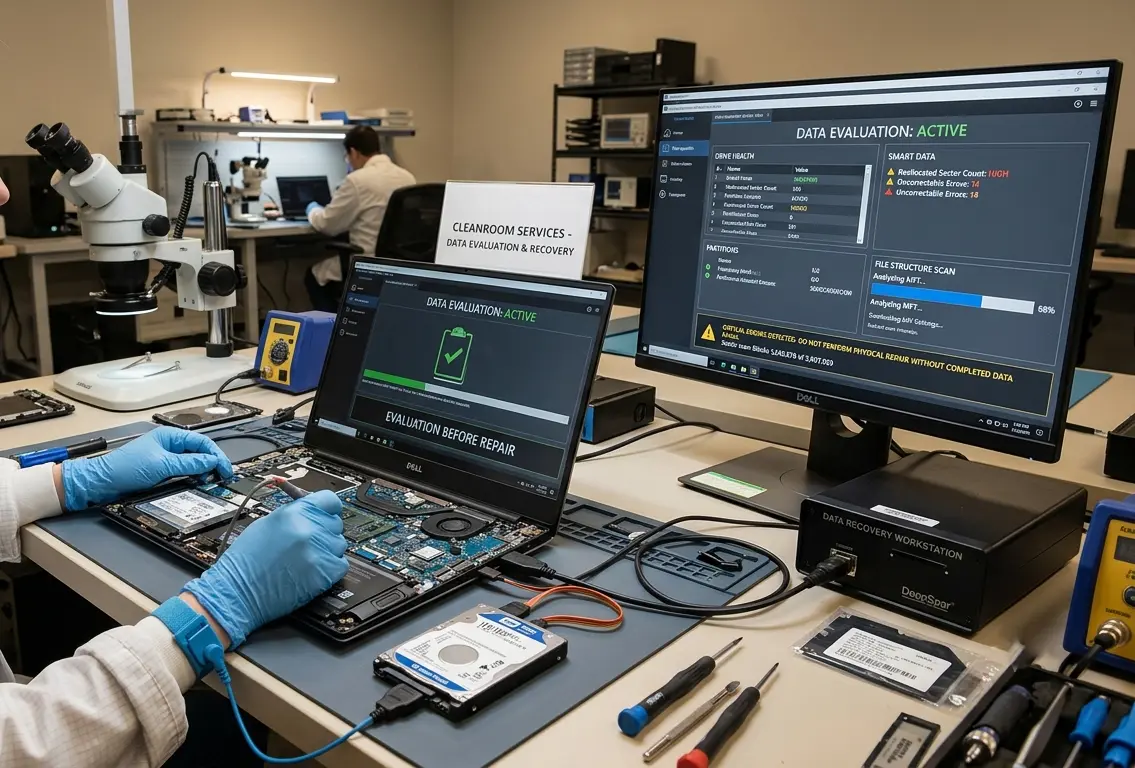
Hard Drive Specialist

Restore Your Laptop's Performance Today with EZ Laptop Repair

Whether your laptop won’t boot, your drive is making noise, or you just want to know how healthy your storage is, EZ Laptop Repair handles hard drive repair, SSD replacement, and storage upgrades in Las Vegas. Visit our shop today and get the best HDD repair solutions for your laptop.

data evaluation before hard drive repair
Questions

Hard Drive Repair Questions Las Vegas Users Ask Before Coming In

Generally, cost depends on whether the drive needs repair, replacement, or upgrade, and what data recovery is required. At EZ Laptop Repair, our hard drive repair service starts from $75. Every job starts with a free diagnostic so you know the full cost before any work begins.

It depends on what's failed. Corrupted file systems, bad sectors confined to a small area, and detached connectors are repairable. Mechanically failed platters and seized motors are not repairable and require specialist cleanroom facilities. We assess which category your drive falls into at the free diagnostic and tell you what's possible.

The common signs are unusual clicking, grinding, or repeated ticking noises. A laptop that won't boot past the manufacturer's logo, a drive that's not detected by the OS, BSOD errors referencing disk failures, and performance that's degraded significantly over a short period are the common signs.

Clicking in a mechanical HDD means the read head is failing. It's trying to access the disk and failing repeatedly, which produces the click. This is a physical failure, and it gets worse with continued use. Stop using the laptop, don't try to copy files across a clicking drive rapidly, and bring it in as soon as possible. The faster it reaches us, the more data recovery options are available.

For logical failure, including file system corruption, deleted partitions, accidental format, yes. For mechanically failing drives, recovery is possible in many cases if the drive hasn't been used extensively after the failure began. We assess recovery at the diagnostic stage before advising on a repair or recovery strategy.

File system repairs and replacements are completed the same day for most models. Drive cloning time depends on data volume, typically two to four hours for a full clone. OS installation and configuration are included and add minimal time.

Yes. If the boot drive has failed, corrupted its boot sector, or lost the OS partition, the laptop will power on but fail to load the operating system. We diagnose whether it's the drive or the OS at the assessment, because the fix is different depending on which one has failed.

Drive cloning copies the contents of your existing drive, covering the operating system, applications, and files, to a new drive, so the replacement is identical to the original without requiring a fresh setup. If the original can't be cloned due to extensive failure, we perform a clean OS installation and restore recovered data separately.