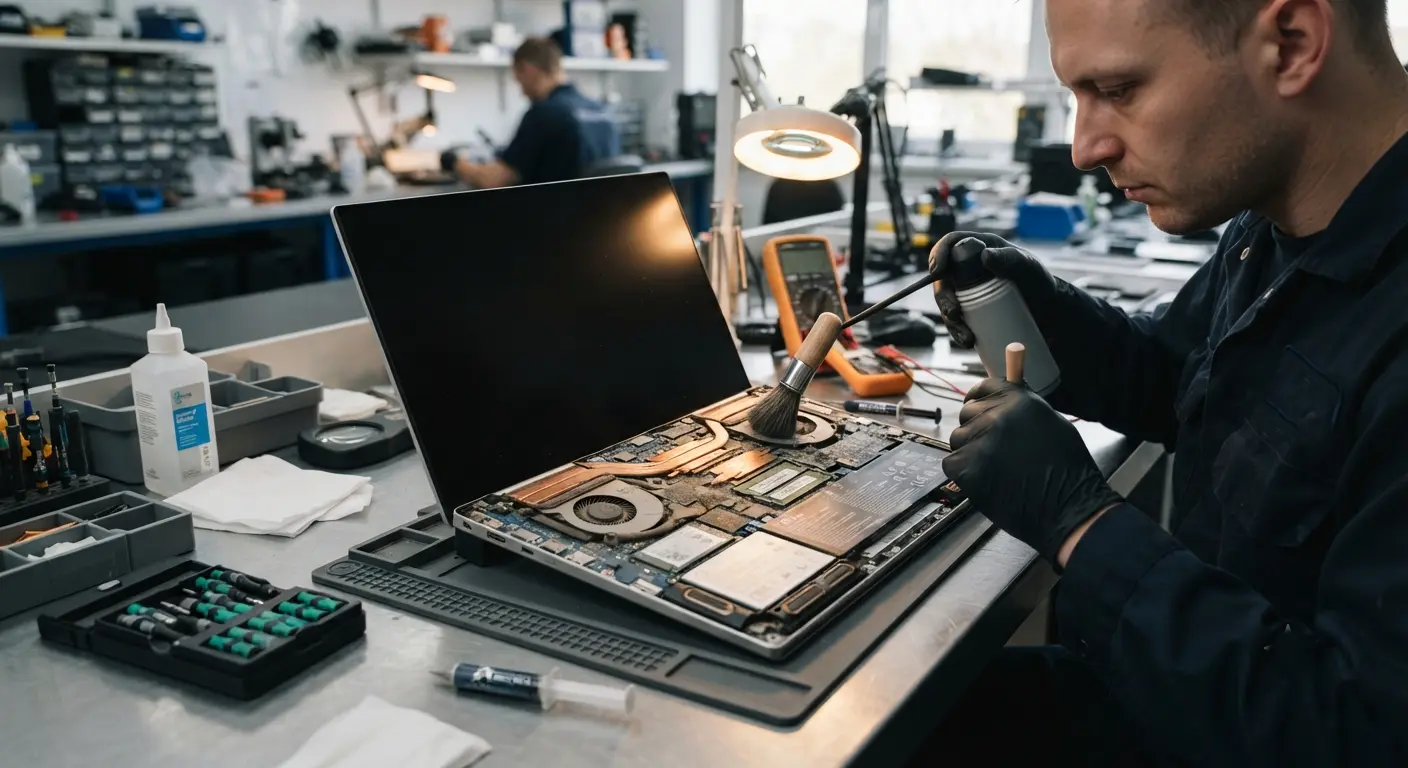
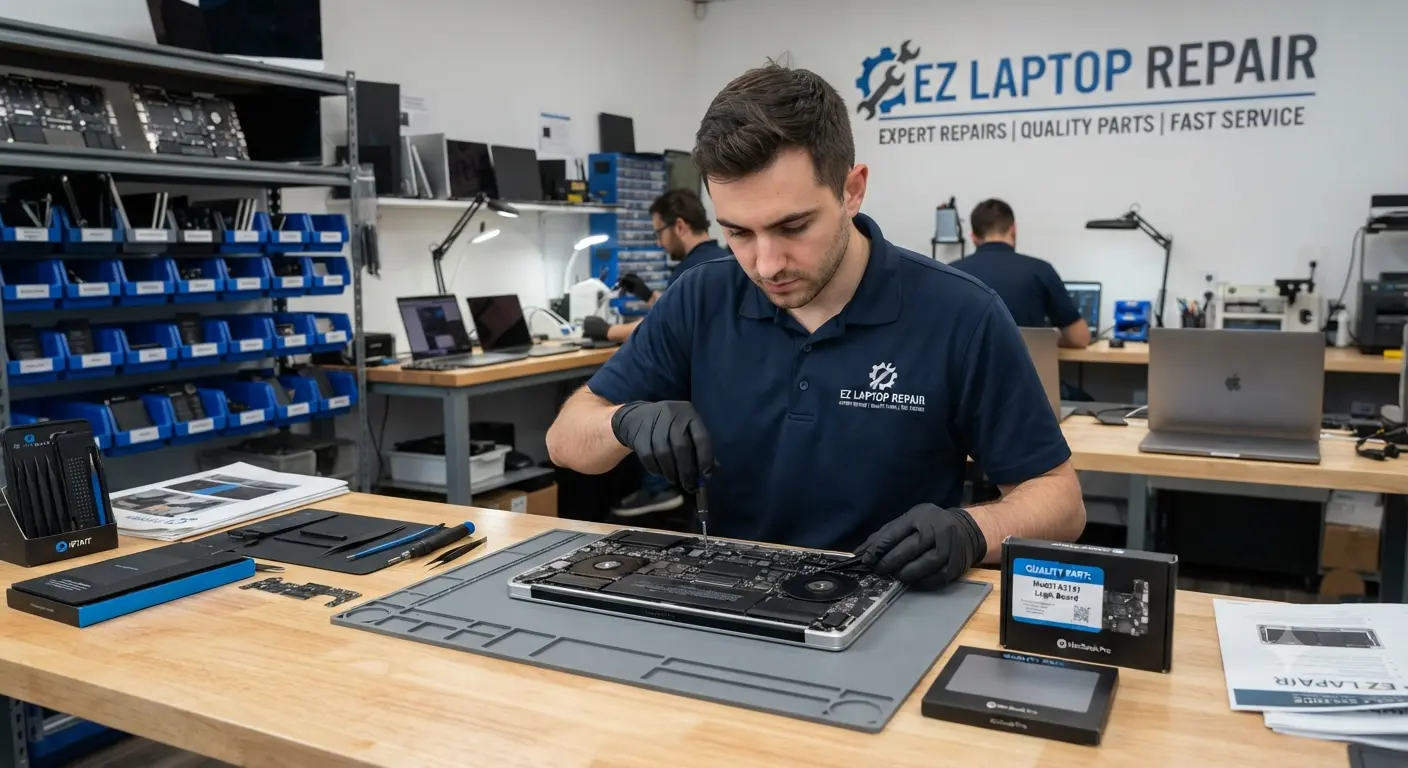
The most common causes are dust buildup blocking the heatsink and vents, dried-out thermal paste, a failing cooling fan, or a software process overloading the CPU. In Las Vegas, dust and severe heat accelerate all of these. A free diagnostic identifies which one is affecting your laptop.
Laptop Overheating Repair Las Vegas | Same Day Cooling System Service
25
Year of Experience
Fast, Reliable Laptop Overheating Repair for Windows and Mac
EZ Laptop Repair provides professional laptop overheating repair in Las Vegas for Windows laptops, MacBooks, and gaming PCs. From laptop fan replacement and thermal paste replacement to full cooling system repair, we restore proper heat dissipation so your device runs cool, quiet, and at full speed again.
Our laptop overheating repair starts from $75 and includes a free diagnostic on every device. We measure CPU temperature and GPU temperature, inspect the cooling fan, heatsink, and air vents, and identify exactly why your laptop is running hot before quoting anything. Overheating has more than one cause. You'll know yours before any work begins.
How Do You Know It's a Cooling Problem and Not Something Else?
Excessive heat shows up in different ways depending on what's failing inside. Here's what our Las Vegas customers bring in and what each symptom usually means
Laptop Overheating and Shutting Down
A laptop that shuts down from overheating is protecting itself. When internal temperatures cross a safety threshold, the system cuts power instantly to prevent permanent damage to the CPU or motherboard. Git it fixed today at our laptop repair centre.
Laptop Running Hot and Slowing Down
A laptop overheating with slow performance is experiencing thermal throttling. The processor deliberately slows itself down to reduce heat. Your laptop isn't old or worn out; it's suffocating. Restore the cooling performance, and the speed comes back with it.
Laptop Making Loud Fan Noise
Laptop with loud fan noise running constantly at full speed points towards clogged air vents and dust buildup on the heatsink. A grinding, rattling, or buzzing fan is a different problem: worn fan bearings that need a cooling fan replacement before the fan seizes entirely.
Laptop Fan Not Working At All
A laptop fan that's not working even under heavy load means the fan has failed or lost power. Stop using the device and bring it in, as your laptop has no active cooling at all. A laptop fan repair is far cheaper than the motherboard damage that follows.
Laptop Gets Hot Underneath
When the laptop gets hot underneath, especially near the vents or hinge, it usually points to blocked airflow and dried out thermal paste. Using the laptop on beds, couches, and blankets accelerates this. The vents pull in fabric fibers and dust straight onto the cooling system
Laptop Overheating While Gaming
GPU overheating causes frame drops, stuttering, and crashes long before shutdowns start. Gaming laptops need their thermal paste and fans serviced more often than everyday devices, as the hardware simply works harder.
Laptop Overheating While Charging
Charging adds heat on top of normal operation, so a laptop overheating while charging often reveals a cooling system that's barely coping. In some cases, the battery itself is degrading and generating extra heat. Our diagnostic checks both, because a swollen battery is a safety issue.
Laptop Overheating After Every Few Minutes
A laptop that gets hot within minutes of powering on, before you've even opened anything, has a severely clogged heatsink or completely failed thermal paste. At this stage, internal cleaning alone rarely fixes it. You must reapply the thermal paste along with the cleanout.
What's Causing Your Laptop to Overheat?
1. Dust buildup: Dust can cause a laptop to overheat. Dust blankets the heatsink fins and clogs the ventilation channels, trapping heat inside. Las Vegas dust and dry air make this worse and faster than in most climates.
2.Dried thermal paste: Thermal paste transfers heat from the CPU and GPU into the heatsink. It dries out and cracks over years of heat cycles, and once it fails, temperatures climb no matter how clean the fans are. Thermal paste replacement is a standard part of most overheating repairs.
3.Failing cooling fan: Fan bearings wear out. A slowing, rattling, or dead fan means the cooling system can't move heat out of the chassis at all.
4,Software and background load: Sometimes the cooling system is fine, and something else is pinning the CPU at 100%. Either a malware, a stuck update process, or bloated startup software. Our hardware diagnostics separate a software cause from a hardware one, so you're never paying for a fan you didn't need.
From Running Hot to Running Cool in Four Steps
A proper overheating repair involves more than cleaning dust. From the initial inspection to final stress testing, every step is completed with precision. Our goal is to restore efficient cooling and prevent overheating from returning.
Free Thermal Diagnostic First
Bring your laptop to our Las Vegas shop. We measure CPU and GPU temperatures under load, test fan speed and response, and inspect the vents and heatsink condition. You’ll know exactly what’s causing the heat issue before we quote anything.
Fixed Quote Before Any Work Begins
Overheating repair starts from $75. A standard internal cleaning with thermal paste replacement sits at the entry level, while a laptop fan replacement or full cooling system replacement is priced according to the parts your specific model needs.
Complete Cooling System Service
We open the device properly, remove dust buildup from the fans, vents, and heatsink fins, replace the thermal paste with a quality compound, and replace any failed cooling fan with the correct part for your model.
Temperature Testing Before Return
Lastly, we stress-test your device and verify that temperatures hold in the safe range under sustained load, not just at idle. You get a device that stays cool when you actually use it, backed by our 90 day warranty.
Schedule Your Laptop Overheating Repair in Las Vegas Now
Our Laptop Repair Shop Knows Desert Heat Better Than Anyone
We’ve been repairing overheating laptops in Las Vegas since 2000, and 25+ years in this climate has taught us what severe heat and desert dust do to a cooling system. Laptops here clog faster and run hotter than the same models anywhere else. That experience shapes how thoroughly we clean and service every device.
Estimated 1 - 3 days
Thorough Cleaning Service
Some shops blow compressed air through the vents and call it a repair. We disassemble, clean the heatsink directly, replace the thermal paste, and verify airflow because surface cleaning without paste replacement usually brings the problem back within weeks.
Estimated 1 - 3 days
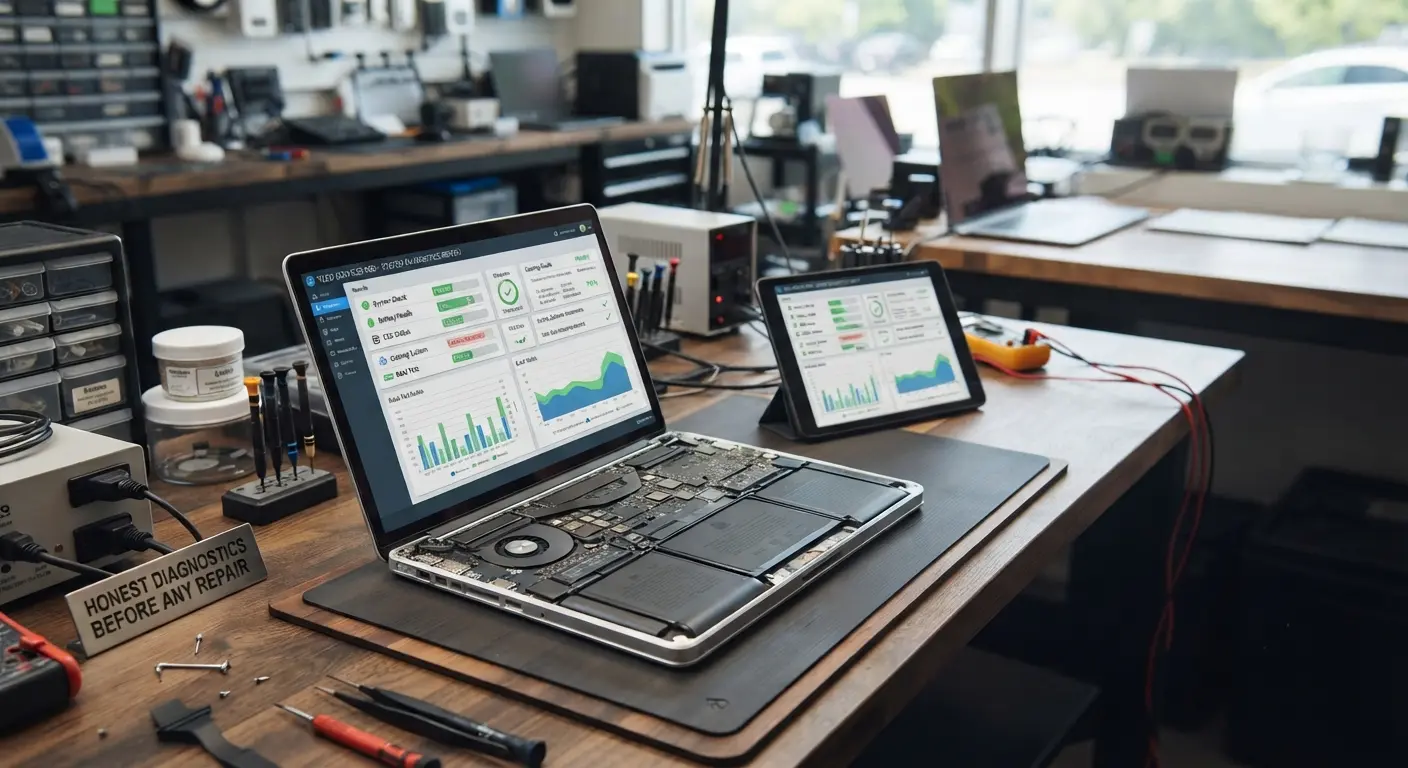
Honest Diagnostics Before Any Repair
If your laptop is hot because of a runaway process or malware rather than hardware, we'll tell you and fix that instead. You pay for the actual problem, not the assumed one
Estimated 1 - 3 days
Quality Parts Matched to Your Model
Replacement cooling fans and thermal compound are sourced to match your exact model's specifications. We never recommend a universal fit that moves less air or breaks down under heat.
Estimated 1 - 3 days
Same Day Service & 90-Day Warranty
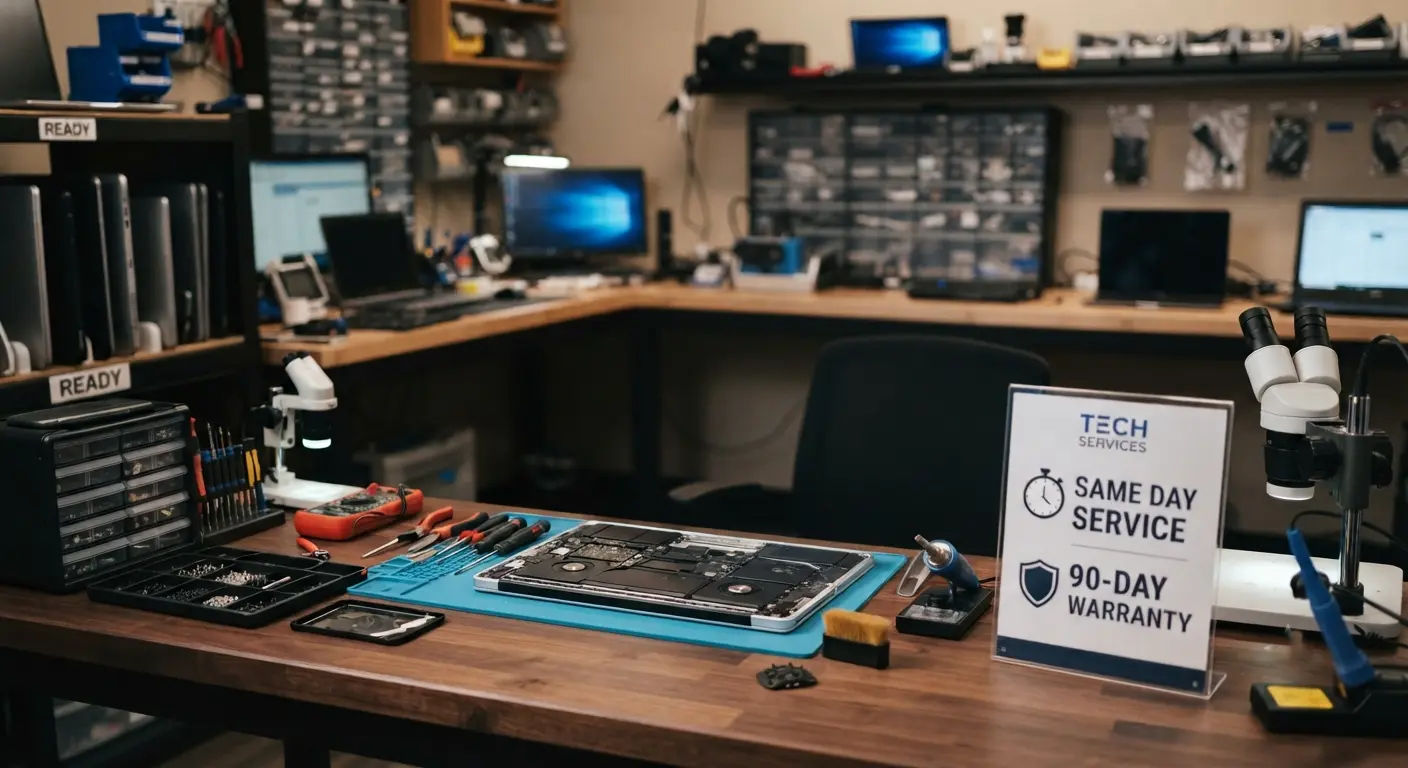
Most overheating repairs, including cleaning and thermal paste replacement, are completed the same day. Every repair carries a 90-day warranty. If the temperatures climb again, bring it back.
Overheating Repair Across All Major Laptop Brands
No matter the manufacturer or model, overheating can lead to reduced performance and hardware damage. We provide professional overheating repairs for all major laptop brands with accurate diagnostics and transparent recommendations.
Dell Laptop Overheating Repair
Dell XPS models pack powerful hardware into thin chassis, making them prone to thermal throttling once dust accumulates. Inspiron and Latitude machines respond very well to cleaning and thermal paste replacement. We service all of them, including Alienware's dual-fan systems.

Read MoreHP Laptop Overheating Repair
Users frequently bring HP Pavilion and Envy laptops for fan replacement, while EliteBook business laptops usually just need a proper internal service to restore quiet operation for office use.

Read MoreLenovo Laptop Overheating Repair
Lenovo Legion gaming laptops run demanding thermals by design, and ThinkPads in daily business use collect years of dust before showing symptoms. We service the full Lenovo range, including IdeaPad and Yoga models.

Read MoreApple MacBook Overheating Repair
Fans roaring on a MacBook Pro, or a fanless MacBook Air throttling under load, need macOS specific diagnosis alongside the hardware service. Our Apple certified technicians handle MacBook overheating repair, including fan replacement, thermal paste service, and finding macOS processes that drive heat.

Read MoreAsus Laptop Overheating Repair
Asus ROG and TUF gaming laptops work hard and heat hard. We service their dual-fan cooling systems and replace thermal compound suited to high-wattage gaming loads. ZenBook and VivoBook models get the same thorough treatment at our repair center

Read MoreAcer Laptop Overheating Repair
Acer Aspire laptops commonly overheat from clogged vents, and Nitro gaming models from aged thermal paste. Both are affordable, same-day fixes in most cases. If yours is overheating, bring it into our shop today for expert cooling system repair.

Read MoreMSI Laptop Overheating Repair
MSI gaming laptops push some of the highest thermal loads in any chassis. We service MSI cooling systems, replace fans, and verify GPU temperatures under real gaming load before returning.

Read MoreMicrosoft Surface Overheating Repair
Surface Pro and Surface Laptop devices have tightly sealed designs that trap heat once dust settles inside. We handle the careful disassembly that Surface overheating repair requires.

Read MoreSamsung Laptop Overheating Repair
Samsung Galaxy Book laptops are thin laptops where even light dust buildup affects cooling performance noticeably. We service them with the precision their compact internals demand.

Read MoreToshiba Laptop Overheating Repair
Older Toshiba Satellite laptops still in use often have a decade of dust inside and original thermal paste. A full internal cleaning service gives these laptops years more life.
Read MoreQuestions People Ask About Laptop Overheating Repair in Las Vegas
Yes, almost always. Cleaning, thermal paste replacement, and fan replacement fix the majority of overheating problems. Repair is only off the table when prolonged overheating has already damaged the motherboard, which is exactly why acting early matters.
Laptop overheating repair starts from $75 at EZ Laptop Repair, which covers internal cleaning and thermal paste replacement for most models. Laptop fan replacement cost depends on your specific model's part. You get a fixed quote after the free diagnostic.
Most overheating repairs are completed the same day. If your model needs a specific cooling fan, expect 1–3 business days. You'll get a realistic timeframe at the diagnostic.
Thermal shutdown is a built-in safety mechanism. When the CPU temperature crosses a critical threshold, the system powers off instantly to prevent permanent chip damage. It means your cooling system can no longer keep up, and it needs service before the safety margin runs out.
Yes. Sustained excessive heat shortens the lifespan of the CPU, GPU, battery, and storage drive and can eventually damage the motherboard through repeated thermal stress on solder joints. Overheating is progressive. The longer it runs hot, the more expensive the repair becomes.
No. In the short term, you'll see thermal throttling and shutdowns. Long term, you risk permanent component damage that costs far more than a cooling service. If the fan has stopped entirely, stop using the device and bring it in.
Every 2–4 years for typical use, and more often for gaming laptops under heavy load. If your laptop runs hotter than it used to under the same workload, the thermal paste has likely degraded.
Either the fan is running at maximum speed to fight heat it can't clear, pointing to dust buildup or failed paste, or the fan bearings themselves are worn out. A grinding or rattling noise means the fan needs replacement. While a constant roar means the cooling system needs cleaning.
Gaming hardware generates far more heat than everyday computing, so gaming laptop overheating appears sooner when the cooling system degrades. High performance GPUs also dry out thermal paste faster. Regular cooling service is part of owning a gaming laptop. We recommend an internal service roughly once a year for heavy gamers.
In Las Vegas conditions, every 12–18 months for typical use, and every 8–12 months for gaming laptops or dusty environments. Regular laptop maintenance is way cheaper than repairing heat damage.